Essential Webcam Features for High-Quality Video Calls
22 May 2026
Let’s face it—video calls are the new normal. Whether you’re jumping into a Zoom meeting, teaching an online course, or just catching up with friends across the globe, webcams have become our window to the world. But not all webcams are created equal. Some make you look professional and clear, while others leave you looking like a blurry blob from 2005.
So how do you choose the right webcam? What features should you actually care about?
Let’s break down the essential webcam features that can take your video calls from "meh" to marvelous. Whether you're a remote worker, content creator, online educator, or digital nomad, this guide's for you.
1. Resolution: Because Nobody Wants to See a Pixelated Face
If there's one thing that immediately separates a high-quality webcam from a dud, it's resolution.What to look for: At a minimum, go for 1080p (Full HD). If you're doing more than casual calls—like streaming, recording videos, or running webinars—you might want to step up to 4K. But keep in mind, 4K demands more bandwidth and a decent computer to handle it.
Helpful tip: Don’t let marketing fool you. Some cheap webcams say they’re 1080p but use low-grade sensors that don’t deliver true HD quality. Stick with trusted brands, and check real user reviews.
2. Frame Rate: It’s Not a Movie, But It Should Feel Like One
Ever been on a call where the video looks like it’s buffering every second? That's probably because the frame rate is too low.The sweet spot: 30 frames per second (fps) is standard and fine for most users. But if you want buttery-smooth motion (think live streaming or content creation), go for 60fps.
Why it matters: Higher frame rates reduce motion blur and make everything look more lifelike. Especially useful if you move around a lot or use hand gestures.
3. Field of View (FOV): Show What Matters, Hide What Doesn’t
Field of view is how much of your surroundings the webcam captures. It’s like the difference between a selfie and a group photo.- 65–78 degrees: Perfect for one person. Keeps the focus on you.
- 90+ degrees: Great for group calls or if you want to show more of your workspace.
Heads-up: A super-wide FOV can warp the image or show off parts of your room you’d rather keep private (like that laundry pile in the corner).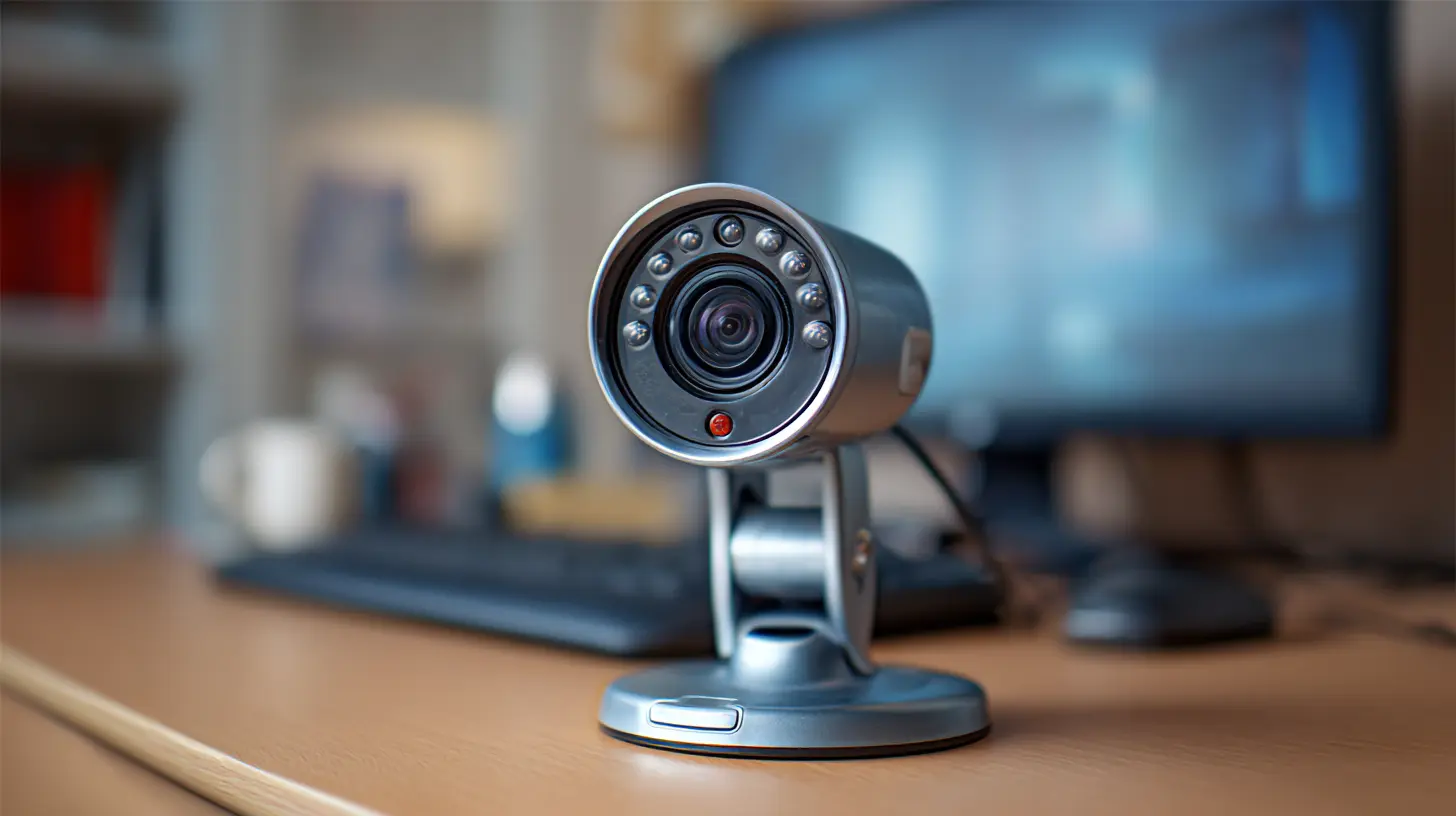
4. Autofocus: Stay Sharp, Literally
You lean forward. You lean back. You grab your coffee. Without autofocus, your webcam might not know what to do—and you’ll look blurry until it catches up.Good autofocus: Tracks your face and adjusts on the fly, so you're always in focus no matter how much you move.
Pro tip: Avoid webcams with fixed focus unless you never move. Fixed focus can be cheaper, but it’s less forgiving.
5. Low-Light Performance: Because Not Everyone Has a Ring Light
Not all of us have a fancy home studio with perfect lighting. If you're calling from a dim room or during the evening, your webcam should still make you look decent, not like a ghost.Key feature: Look for webcams with low-light correction or enhanced light sensors. These adjust brightness automatically to make you look your best, even in less-than-ideal lighting.
Bonus round: Some high-end models even use AI to balance lighting and color tones. Fancy, right?
6. Built-in Microphone: Can They Hear You Now?
Okay, webcams are mostly about video—but don’t ignore the mic. Bad audio is way more distracting than bad video. People can put up with a blurry face, but if they can’t hear you clearly, the call falls apart.Look for: Dual-microphone arrays with noise cancellation. These mics capture sound from both sides and reduce background noise (like that barking dog two houses over).
But here's the catch: Even the best webcam mics usually don’t beat a dedicated USB microphone. If audio is super important to you, consider upgrading separately.
7. Mounting Options: Because Not All Monitors Are Equal
Think about where and how you’ll place your webcam. Does it clip to your laptop? Sit on a tripod? Snap onto your monitor?Adjustability is key. You want a webcam that can tilt and swivel so you don’t end up with awkward angles (like the dreaded under-chin cam).
Extra points: If it has a tripod thread, you can get creative with placement—even mount it above a second monitor or off-center for a more dynamic look.
8. Privacy Shutter: Because Security Matters
Remember when people joked about covering webcams with tape? Not so funny anymore, right?Privacy shutters let you physically block the camera when you're not using it. It’s a small feature that adds peace of mind—especially if your computer has ever randomly turned on your webcam without asking.
Built-in vs. clip-on: Built-in is cleaner and less likely to fall off. Go for that if you can.
9. Plug-and-Play Simplicity: Less Tech Hassle Is Always Better
Nobody wants to spend 30 minutes installing drivers or tweaking settings just to join a call.Go for: Webcams that are plug-and-play compatible with your OS. USB webcams are usually easiest—just plug them in, and you're ready to go.
Also important: Check if it works with your favorite apps—Zoom, Microsoft Teams, Google Meet, Skype, etc. Most major brands do, but it's worth confirming.
10. Software Extras: AI, Filters & Custom Controls
High-end webcams often come with companion software that gives you extra goodies.Some cool features:
- Background blur or replacement (yes, even without a green screen)
- Facial tracking to keep you centered
- Digital zoom, tilt, and pan
- Color and brightness adjustments
Why it’s cool: These features can help you personalize your video feed and come in handy for professional presentations or just looking extra slick on a call.
11. Compatibility with Accessories
Want to go the extra mile? Some webcams are compatible with accessories like ring lights, detachable microphones, or even interchangeable lenses (yes, that’s a thing now).It’s all about flexibility. Think of your webcam setup like your desk—it should grow with you. If you start with basic calls today but move into video production tomorrow, you’ll be glad your webcam can keep up.
12. Price vs. Performance: Don’t Overpay, Don’t Underbuy
You don't need to drop $200 to get a solid webcam. But if you're serious about quality, avoid the $20 bargain bin options unless you're desperate.A ballpark guide:
- $30–$60: Decent for casual use
- $70–$120: Excellent for work-from-home professionals
- $150 and up: Premium quality for creators, streamers, and power users
Tip: Look for reviews with side-by-side comparisons—YouTube is your friend here.
Real-World Recommendations (Based on Popular Features)
Let’s put all the features into context with a few examples that people swear by:- Logitech C920/C922: A classic. Great 1080p quality, excellent mic, reliable autofocus.
- Logitech Brio 4K: Premium pick. Ultra HD, HDR, and adjustable FOV.
- Razer Kiyo: Comes with a built-in ring light—perfect for low-light conditions.
- Elgato Facecam: Targeted at creators. Sharp image, no mic (so pair with your own), and amazing customization.
Final Thoughts: Your Webcam Should Work for You
In the end, your webcam should be working for you—not the other way around. Think about how often you’re on video, what your audience expects (friends, coworkers, clients?), and how much you move and speak during calls.Whether it’s for casual chats or professional presentations, investing in the right webcam makes a world of difference. And now you’ve got the knowledge to shop smart.
Remember: You don’t need the most expensive gadget—you just need the right mix of features for your lifestyle.
So, which feature matters most to you?
all images in this post were generated using AI tools
Category:
Computer PeripheralsAuthor:

Adeline Taylor
Discussion
rate this article
2 comments
Selina Oliver
Great insights! I appreciate the emphasis on resolution and lighting-crucial for enhancing video call quality and clarity.
July 9, 2026 at 3:57 AM
Adeline Taylor
Thank you! I'm glad you found the insights helpful. Lighting and resolution truly make a big difference in video calls.
Felicity Rodriguez
Great article! It's easy to overlook the importance of webcam features until we find ourselves in a crucial meeting or virtual gathering. Investing in a good webcam truly enhances our connections with others. Thanks for highlighting what to look for... It can make a big difference in our daily interactions.
May 25, 2026 at 11:02 AM
Adeline Taylor
Thank you for your kind words! I'm glad you found the article helpful. A good webcam can really elevate those virtual experiences.