Wireless Earbuds and Hearing Health: Tips for Safe Listening
4 March 2026
Wireless earbuds are everywhere, aren’t they? Whether you're commuting, working out, or just chilling at home, they’ve become our go-to gadgets for music, podcasts, or even the latest Netflix binge. But here’s something we often overlook: while enjoying the convenience and impressive sound quality of wireless earbuds, are we doing enough to protect our hearing health?
Sure, wireless earbuds are small, sleek, and convenient, but are they also harmful to our ears? In this article, we’ll dive deep into the connection between wireless earbuds and hearing health. We’ll also give you some super useful tips for safe listening so you can enjoy your favorite tunes without damaging your precious hearing.
Let’s get into it!
The Appeal of Wireless Earbuds
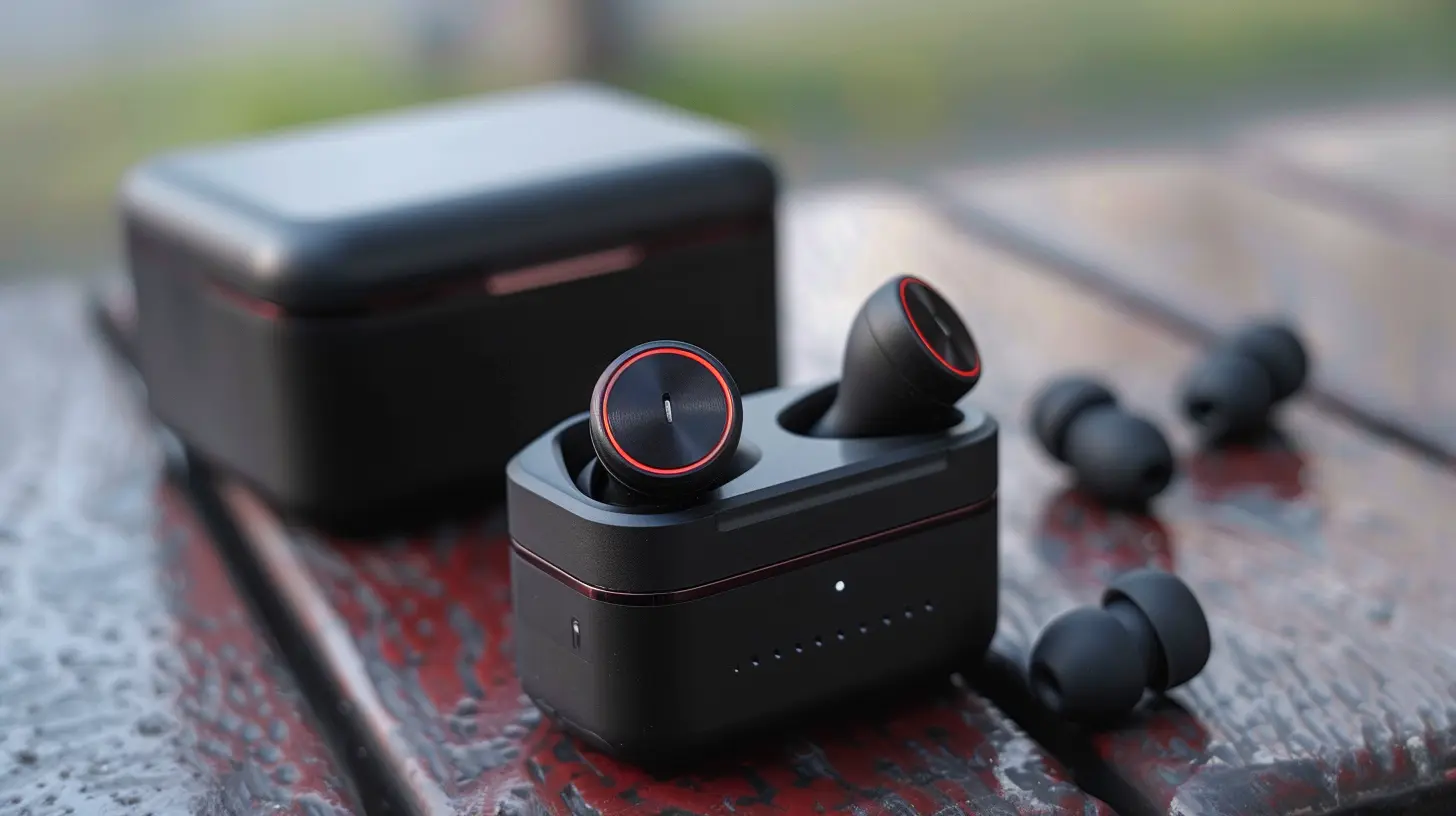
Wireless earbuds have revolutionized the way we listen to music. Ever since Apple decided to ditch the headphone jack, people have been flocking to wireless options. It’s easy to see why:- No tangled wires: No more getting your cords caught on door handles or untangling a mess of wires before you can even listen.
- Portability: Tiny, lightweight, and easy to carry, wireless earbuds are perfect for life on the go.
- Advanced features: From noise-canceling capabilities to voice control and smart assistant integration, wireless earbuds come packed with features that enhance the user experience.
But with all these perks, there are some downsides, especially when it comes to our hearing health.

The Link Between Wireless Earbuds and Hearing Health
Let's be real for a second: most people (probably you, too) crank up the volume when they're using wireless earbuds. It’s just too tempting! Whether it’s to drown out the noise of a busy street or get fully immersed in your favorite playlist, we tend to push the volume higher than we should. But here's the catch — loud sounds can lead to hearing damage over time.How Loud is Too Loud?
You might be thinking, "It's just music, how bad can it be?" Well, sound is measured in decibels (dB), and according to experts, sounds above 85 dB can start to cause damage to our hearing. To give you some context, here are some common sound levels:- Normal conversation: Around 60-70 dB
- Traffic noise: Around 85 dB
- A rock concert: Around 120 dB
- Wireless earbuds at max volume: Up to 110 dB
Yeah, that’s right. If you’re blasting your wireless earbuds at full volume, you’re getting close to the noise levels of a rock concert—right in your ears. And unlike a concert, where you can walk away from the speakers, your earbuds are sitting snugly inside your ear canal, delivering that high volume directly to your eardrums.
What Happens When You Expose Your Ears to Loud Sounds?
When exposed to loud sounds for extended periods, the tiny hair cells in your inner ear (which are responsible for sending sound signals to your brain) can become damaged. Over time, these hair cells can stop working altogether, leading to noise-induced hearing loss (NIHL). And here’s the kicker—once those hair cells are damaged, they don’t grow back.But it’s not just hearing loss you need to worry about. Overexposure to loud noises can also cause tinnitus, that annoying ringing or buzzing sound in your ears, which can be both distracting and permanent.
Tips for Safe Listening with Wireless Earbuds
You don’t have to ditch your beloved wireless earbuds to protect your hearing. Instead, it's about using them wisely. Here are some practical tips to help you enjoy your music while keeping your ears safe.1. Follow the 60/60 Rule
This is a popular rule among audiologists, and it’s super easy to follow. The idea is to listen to your music at 60% of the maximum volume for no more than 60 minutes at a time. After that, take a break to give your ears some rest. This keeps your listening sessions at a safe volume and prevents prolonged exposure to loud sounds.2. Invest in Noise-Canceling Earbuds
One of the reasons we crank up the volume is to drown out background noise—whether it’s the hum of an airplane engine, noisy coworkers, or the bustling city streets. But instead of increasing the volume, consider investing in a pair of noise-canceling earbuds. These earbuds block out external sounds, so you don’t have to turn up the volume as much to hear your music clearly.3. Take Listening Breaks
Just like your body needs rest after a workout, your ears need a break from constant noise exposure. Taking regular breaks can help prevent hearing fatigue and reduce the risk of long-term damage. If you’ve been listening for an hour or more, take a 5-10 minute break. Your ears will thank you!4. Keep the Volume in Check
Most smartphones and devices now come with built-in volume warnings, alerting you when you’re approaching unsafe volume levels. It’s a good idea to pay attention to these warnings and keep your volume in the safe range. If your device doesn’t have this feature, you can download apps that monitor your listening habits and give you feedback on how loud you’re playing music.5. Use Earbuds That Fit Properly
Ill-fitting earbuds can cause you to turn up the volume just to hear your audio clearly. Make sure you’re using earbuds that fit comfortably in your ears and create a good seal. Many wireless earbuds come with different-sized tips, so experiment with those to find the best fit. A snug fit not only improves sound quality but also helps block out ambient noise, so you won’t need to blast the volume.6. Limit Exposure to Loud Environments
It’s not just your wireless earbuds you need to worry about. If you’re regularly exposed to loud environments—like concerts, clubs, or noisy workplaces—it can add up and contribute to hearing damage. Whenever possible, try to protect your ears in these situations by wearing earplugs or taking breaks from the noise.7. Get Regular Hearing Checkups
Lastly, it’s a good idea to get your hearing checked regularly, especially if you’re a frequent earbud user. An audiologist can detect early signs of hearing loss and provide guidance on how to protect your ears in the future.
Are Wireless Earbuds Safe?
Now, you might be wondering, are wireless earbuds inherently unsafe? The good news is that wireless earbuds themselves aren’t dangerous. The real risk comes from how we use them. As long as you follow safe listening practices—like keeping the volume at a reasonable level and taking breaks—you can enjoy your wireless earbuds without putting your hearing at risk.However, it's worth noting that wireless earbuds do sit very close to the eardrum, which means that sound is delivered directly into the ear canal with little distance to dissipate. This proximity can potentially cause more damage compared to over-ear headphones, which sit further from the ear canal. So, it’s crucial to be mindful of your listening habits.
Wrapping It Up: Listen Smart, Stay Safe
Wireless earbuds are amazing. They’re convenient, portable, and offer incredible sound quality. But like anything else, moderation is key. By following a few simple tips, you can continue enjoying your music and podcasts without sacrificing your hearing health.Remember: keep the volume under control, take regular breaks, invest in noise-canceling options, and always use earbuds that fit well. Your ears work hard for you every day—make sure you’re taking care of them in return.
So, next time you pop in your wireless earbuds and hit play, think about the long-term health of your ears. After all, you want to be able to enjoy all the sounds of life for years to come, right?
all images in this post were generated using AI tools
Category:
Wireless EarbudsAuthor:

Adeline Taylor
Discussion
rate this article
2 comments
Dusk McCray
Prioritize your hearing health by keeping volume levels below 60%, taking regular breaks, and choosing earbuds that fit well to minimize sound leakage and improve comfort.
March 11, 2026 at 6:01 AM
Adeline Taylor
Great tips! Keeping volume in check and taking breaks can really help protect our hearing. Thanks for sharing!
Dash Gilbert
In a world where sound dances through the air, Wireless whispers cradle our ears with care. Yet, heed the call of moderation's grace— Protect your hearing, give silence its space. Embrace the melody, but keep it low, For a symphony of health, let wisdom flow.
March 6, 2026 at 4:13 AM
Adeline Taylor
Thank you for your beautiful poem! It perfectly captures the essence of balancing enjoyment with the importance of hearing health. Moderation truly is key!