Voice Assistants and You: Using Smart Assistants Effectively
17 July 2026
Voice assistants have become a fixture in millions of homes, offices, and pockets. Amazon Alexa, Google Assistant, Apple Siri, and Samsung Bixby each promise to make life easier, but most users barely scratch the surface of what these tools can actually do. The gap between "set a timer" and true productivity is wide, and most people fall into it without realizing how much potential they are leaving on the table.
This article is not a beginner's guide to saying "Hey Siri." It is a deep examination of how to use voice assistants with intention, avoid common pitfalls, and extract real value from a technology that is often treated as a novelty. Whether you have a single smart speaker or a house full of connected devices, the principles here will help you move from casual use to genuine efficiency.
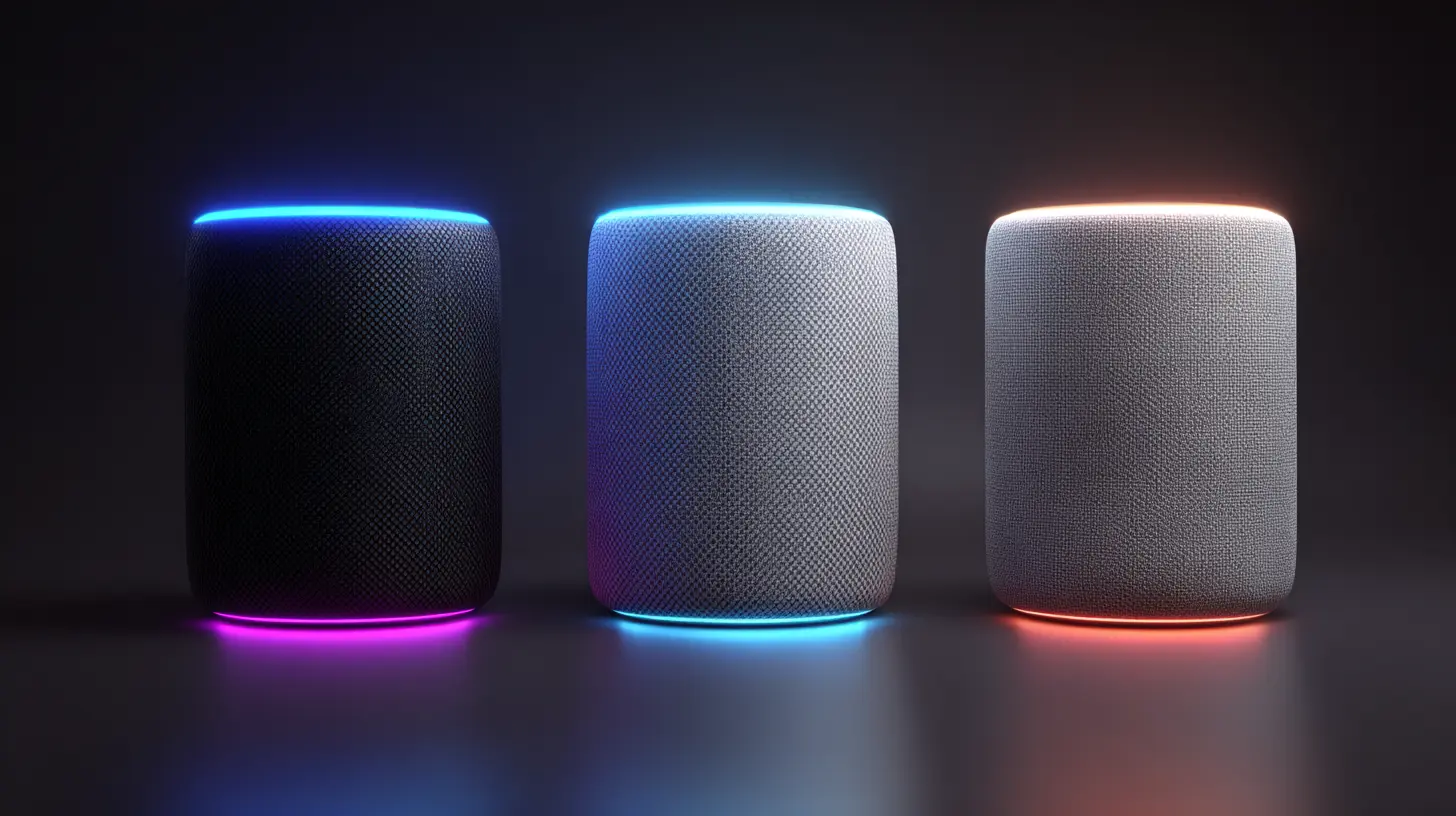
The Core Problem: Voice Assistants Are Designed for Simplicity, Not Power
Manufacturers optimize voice assistants for the lowest common denominator. The first thing a new user does is ask for the weather or set a timer. That is by design. It makes the product feel immediately useful and reduces friction. But this simplicity creates a trap. Once users learn the basic commands, they rarely explore further. The assistant becomes a voice-controlled stopwatch and nothing more.The real power lies in routines, integrations, and context-aware commands. A voice assistant that only responds to isolated requests is like a smartphone that only makes phone calls. You are holding a general-purpose computer but using it as a single-purpose tool.
Why Most Users Never Advance
Two main reasons explain this stagnation. First, the discovery mechanisms are poor. You cannot browse a voice assistant's capabilities the way you browse apps on a phone. You have to know what to ask, and if you do not know it exists, you will never try it. Second, the assistants themselves do a poor job of suggesting advanced features during casual use. Ask for the weather, and you get the weather. You do not get a prompt like "Would you like me to remind you to take an umbrella if rain is forecast tomorrow?"This places the burden of learning squarely on the user. That is frustrating, but it also means that anyone willing to invest a small amount of time can gain a significant advantage over the average user.
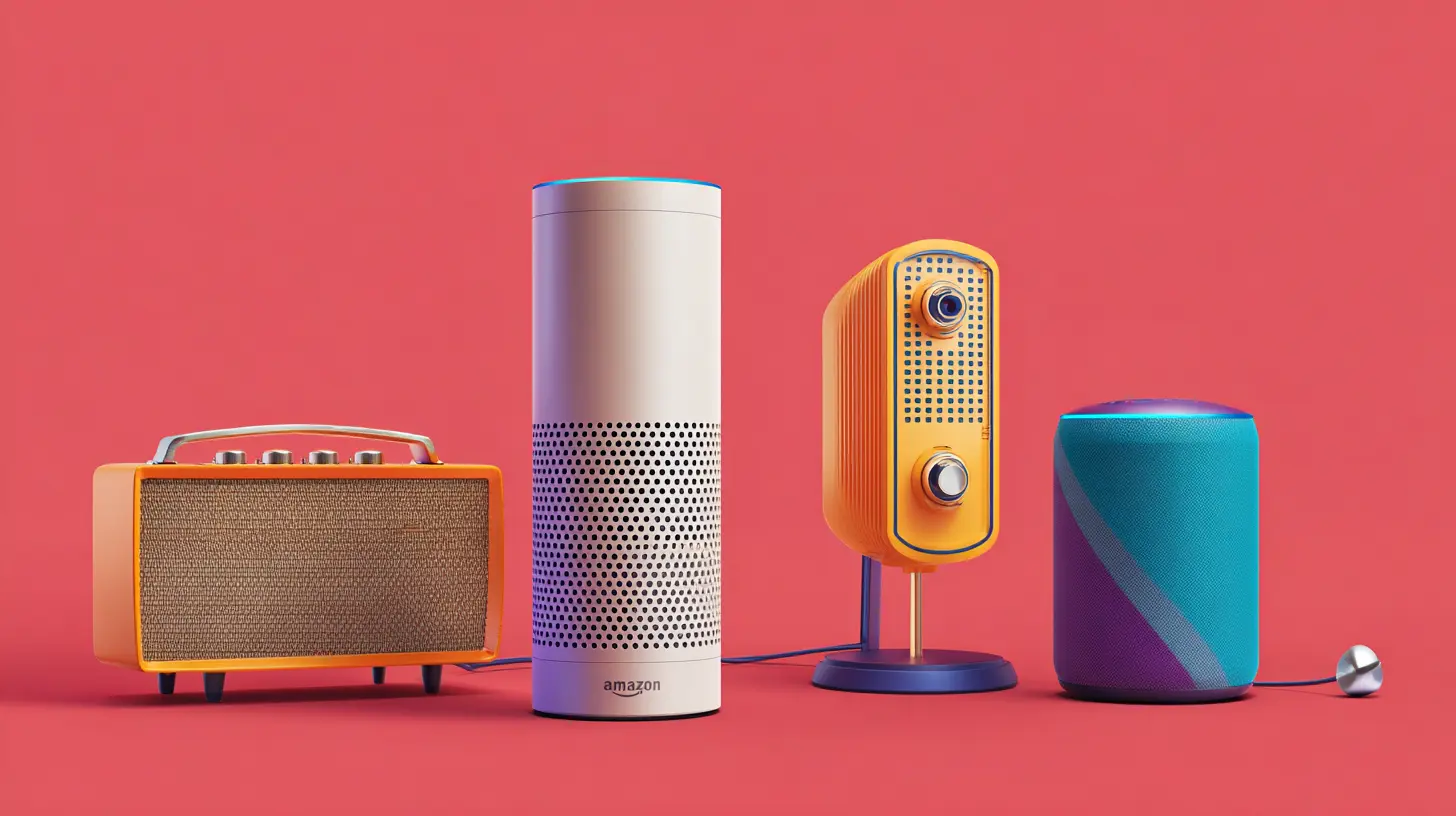
Choosing the Right Assistant for Your Ecosystem
Before you can use a voice assistant effectively, you must pick the right one for your situation. This is not a matter of brand loyalty. It is a matter of integration depth.Amazon Alexa: The Open Ecosystem Champion
Alexa has the largest library of third-party skills and supports the widest range of smart home devices. If you want to control lights, locks, thermostats, and plugs from different manufacturers, Alexa is almost always the safest bet. The downside is that Amazon's own services (shopping, music, video) are heavily promoted, and the assistant can feel pushy about them. Alexa also struggles with complex, multi-step requests compared to Google Assistant.Best for: Smart home enthusiasts, users with diverse device ecosystems, people who want maximum third-party support.
Google Assistant: The Context and Knowledge Winner
Google Assistant excels at understanding natural language and maintaining context across a conversation. You can ask "What is the capital of France?" and then follow up with "What is the population there?" and it will understand you are still talking about Paris. No other assistant handles this as well. Google's search integration also means it answers factual questions more accurately. The trade-off is that Google's smart home device selection is narrower, and Google sometimes deprecates features or kills products entirely.Best for: Heavy internet searchers, people who ask complex questions, users already invested in Google services like Gmail and Google Calendar.
Apple Siri: The Privacy and Ecosystem Lock-In Option
Siri is the most private major assistant by design. Apple processes as much as possible on-device and does not build a profile for ad targeting. Siri also integrates deeply with Apple's own apps and services. If you use Apple Music, Apple Reminders, and Apple HomeKit, Siri works very smoothly. The weaknesses are significant, however. Siri is the least accurate at understanding speech, its third-party integration is limited, and it is often slow to respond compared to competitors.Best for: Privacy-conscious users, people fully invested in the Apple ecosystem, users who primarily need basic tasks like messaging and calendar management.
Samsung Bixby: The Niche Power User Tool
Bixby is often dismissed, but it has one unique strength: deep device control. Bixby can change phone settings, navigate through menus, and perform actions that no other assistant can touch. You can say "Turn on Wi-Fi and open the camera in pro mode" and it works. For Samsung phone and tablet owners, Bixby is surprisingly capable for device management. For everything else, it lags far behind.Best for: Samsung Galaxy device owners who want granular phone control, users who do not need broad smart home or search capabilities.
The Hard Truth: No Single Assistant Does Everything Well
The best approach for many power users is to run two assistants. A Google Nest Hub in the kitchen for questions and timers, and an Amazon Echo in the living room for smart home control. This adds complexity but maximizes capability. If you want one assistant to rule them all, Google Assistant offers the best balance of accuracy, context, and smart home support, with Alexa as a close second for device compatibility.
The Art of Voice Commands: Precision and Context
Voice assistants are not mind readers. They match your spoken words against a library of possible intents. The more precise you are, the better the result. This sounds obvious, but most users speak to assistants the way they speak to humans, which is a mistake.Be Specific About What You Want
A human can infer meaning from vague requests. A voice assistant cannot. "Remind me about the meeting" is useless. "Remind me to call the office at 2 PM tomorrow" works. The assistant needs a clear action, a clear time, and a clear subject.Bad: "Set a reminder for later."
Good: "Set a reminder for 3 PM to pick up dry cleaning."
Bad: "Turn off the lights."
Good: "Turn off the living room lights."
The difference is the inclusion of a specific location or time. Always include a noun that identifies the device or the context.
Use Precise Device Names
This is the single most common mistake in smart home setups. People name their lights "lamp" or "bedroom light" and then wonder why the assistant gets confused. You must use distinct, non-overlapping names. Do not name two lights "lamp" and "table lamp." The assistant will struggle to differentiate. Instead, name them "desk light" and "floor light." Better yet, use location-based names that are unique: "left nightstand," "right nightstand," "kitchen pendant."If you have multiple devices of the same type, add a qualifier. "Living room fan" and "bedroom fan" are clear. "Fan" and "other fan" are not.
Group Devices for Bulk Control
Most smart home platforms allow device groups. Create a group called "downstairs lights" that includes the kitchen, living room, and hallway lights. Then you can say "Turn off downstairs lights" and it works in one command. Do not create groups that overlap confusingly. A light should belong to only one group, or you risk conflicting commands.The Power of Routines
Routines are the most underused feature in voice assistants. A routine lets you trigger multiple actions with a single phrase. Instead of saying "Turn off the lights, lock the front door, and set the thermostat to 68," you create a routine called "Goodnight" that does all of that. Then you say "Goodnight" and it all happens.Routines also support conditional logic in some platforms. For example, you can create a routine that runs "Good morning" only on weekdays, or one that checks the weather and then tells you whether to bring an umbrella. These conditional routines require some setup, but they transform the assistant from a reactive tool into a proactive one.
Common routine examples that provide real value:
- A "Leaving home" routine that turns off all lights, adjusts the thermostat to away mode, and arms the security system.
- A "Movie time" routine that dims the lights to 20 percent, lowers the blinds, and turns on the TV.
- A "Good morning" routine that slowly brightens the bedroom lights, reads the day's first calendar event, and starts the coffee maker.
Privacy and Security: What You Need to Know
Voice assistants are always listening for their wake word. That is a fact. The microphone is active, and audio is processed locally to detect the wake word. Once the wake word is detected, the recording is sent to the cloud for processing. This design creates legitimate privacy concerns.What Actually Happens to Your Voice Data
Each company handles data differently. Amazon and Google store your voice recordings and use them to improve speech recognition. You can review and delete these recordings from your account settings. Apple processes more data on-device and anonymizes what is sent to the cloud, but Siri still sends recordings for certain requests.The common misconception is that these companies are constantly recording everything you say. They are not. The device does not stream audio to the cloud until it hears the wake word. However, false positives happen. The device may think it heard "Alexa" when you said "a lexus," and a few seconds of audio gets sent. This is why reviewing your voice history periodically is a good practice.
Practical Steps to Protect Your Privacy
First, mute the microphone when you are not actively using the assistant. Most smart speakers have a physical mute button. Use it. When you are having a private conversation or when you leave the house, mute the device.Second, disable voice purchasing if you do not need it. The last thing you want is a commercial playing on TV triggering a purchase. Amazon and Google both allow you to require a confirmation code for purchases, which is a reasonable compromise.
Third, review and delete your voice history regularly. Set a monthly reminder to go into your account settings and delete recordings older than a certain period. This limits the amount of data that exists about you.
Fourth, be aware of what data is shared with third-party skills. When you enable a skill, you are granting that developer access to certain information. Read the privacy policy of any skill that asks for personal data. If a simple timer skill asks for your email address, that is a red flag.
The Trade-Off Between Privacy and Functionality
You cannot have both maximum privacy and maximum functionality. On-device processing is limited. The more processing you do locally, the fewer features the assistant can offer. If you want the assistant to recognize different voices, understand complex requests, or integrate with cloud services, some data must leave your home.The key is to decide your threshold. For most people, the convenience outweighs the privacy risk, but that does not mean you should ignore the risk entirely. Be intentional. Use the privacy controls that exist, and do not assume the companies will protect you out of the goodness of their hearts.
Common Mistakes and How to Avoid Them
Even experienced users make errors that reduce the effectiveness of their voice assistants. Recognizing these patterns is the first step to fixing them.Mistake 1: Using Voice for Everything
Voice is not always the fastest input method. Setting a timer while cooking is a perfect use case. Typing a long grocery list is not. For text-heavy tasks, a phone screen or keyboard is faster and more accurate. Know when to switch modalities.A good rule: If it takes longer to say it than to type it, use the keyboard. If your hands are busy or you are across the room, use voice.
Mistake 2: Not Training Voice Recognition
Most assistants allow you to retrain the voice model to better understand your accent or speech patterns. If the assistant frequently misunderstands you, spend five minutes going through the voice training process. It makes a noticeable difference.Mistake 3: Overcomplicating Smart Home Setups
It is tempting to buy dozens of smart devices and connect them all. The result is often a fragile system where one device goes offline and breaks an entire routine. Start small. Add devices one at a time. Test each integration before adding the next. A reliable system with five well-chosen devices is better than an unreliable system with twenty.Mistake 4: Ignoring Firmware and Software Updates
Voice assistants and smart home devices receive regular updates that fix bugs and add features. If you never update, you are missing out. Enable automatic updates if possible, or check for updates manually once a month.Mistake 5: Expecting Perfect Understanding
No voice assistant is 100 percent accurate. Background noise, overlapping speech, and unusual accents all degrade performance. When the assistant gets it wrong, do not repeat the same phrase louder and slower. Rephrase the command. If it does not understand "Turn off the kitchen light," try "Kitchen light off." Different phrasing triggers different parsing paths and often works better.
Advanced Techniques for Power Users
Once you have mastered the basics, these techniques will push your assistant to its limits.Multi-Command Chains
Some assistants allow you to string multiple commands together in a single utterance. Google Assistant supports this with phrases like "Hey Google, turn off the living room light and set the thermostat to 72." Alexa supports similar chaining but is less reliable with more than two commands. Experiment with your specific assistant to find the length limit.Custom Voice Commands for Complex Actions
If you find yourself repeating the same multi-step process, create a custom command. For example, if you always check traffic, then the weather, then your calendar in that order, create a routine called "Morning briefing" that does all three. This saves seconds per day, and those seconds add up.Using Assistants as Input for Other Services
Voice assistants can trigger actions in IFTTT, Zapier, or Home Assistant. This opens up nearly unlimited possibilities. You can say "Alexa, log my weight" and have it add an entry to a Google Sheet. You can say "Hey Google, start a focus session" and have it set a Pomodoro timer, turn on do not disturb, and play white noise. These integrations require some technical setup, but they are where voice assistants become genuinely powerful.Voice Profiles for Personalized Responses
Most assistants support multiple user profiles. If you live with other people, set up voice profiles so the assistant knows who is speaking. This allows for personalized calendar access, music playlists, and reminders. Without voice profiles, the assistant treats everyone the same, which defeats the purpose of a personalized assistant.When Not to Use Voice Assistants
Voice assistants are not a universal solution. There are situations where they perform poorly or introduce unacceptable risk.In Noisy Environments
A busy kitchen with running water, a blender, and a TV creates too much background noise for accurate recognition. If you are in a noisy space, use a physical button or your phone instead of shouting at the speaker.For Sensitive Information
Do not use voice assistants to input passwords, credit card numbers, or private medical information. Even with privacy controls, you have no guarantee that the recording is not stored or mishandled. Assume that anything you say to a voice assistant could be heard by someone else, either now or in the future.For Critical Tasks
Do not rely on a voice assistant for time-sensitive alarms or reminders that could have serious consequences if missed. Voice assistants occasionally miss alarms or fail to trigger. Use a dedicated alarm clock or your phone's native alarm for anything truly important.In Multi-Device Environments Without Good Naming
If you have ten smart lights all named "light," you will have a terrible experience. Before buying more devices, ensure you have a naming scheme that scales. If you cannot name devices clearly, stop adding devices until you can.
The Future of Voice Assistants and What It Means for You
The technology is evolving rapidly. Multimodal assistants that combine voice, touch, and visual feedback are becoming standard. The Amazon Echo Show and Google Nest Hub already demonstrate this. Future assistants will rely less on wake words and more on continuous, context-aware listening with better on-device processing.This shift will reduce latency and improve privacy, but it will also require users to trust the devices more. Always-on microphones that do not need a wake word open the door to even more seamless interaction, but they also raise the stakes for false positives and data security.
For now, the best approach is to stay informed, update your devices regularly, and use the privacy controls available. The technology is not perfect, but it is useful. The goal is not to make your assistant do everything. The goal is to make it do the right things reliably.
Final Recommendations
If you take nothing else from this article, remember these five points:1. Name your devices with distinct, unique names and group them logically.
2. Invest time in creating routines for your most common multi-step tasks.
3. Review your voice history and privacy settings every month.
4. Do not use voice for sensitive information or critical alarms.
5. Choose your assistant based on your ecosystem, not on hype.
Voice assistants are tools. Like any tool, they require skill to use well. The average user gets a timer and a weather report. The informed user gets a home that responds to their habits, a schedule that manages itself, and a layer of convenience that actually saves time. The difference between those two experiences is not the hardware. It is the understanding of how to use it.
all images in this post were generated using AI tools
Category:
Technology GuidesAuthor:

Adeline Taylor
Discussion
rate this article
1 comments
Lark McCord
If your voice assistant can't understand you, maybe it's time for a reality check. Speak clearly, and don't expect it to read your mind. It's here to assist, not to interpret your cryptic commands.
August 5, 2026 at 4:16 AM