The Best Creative Tech Setups for Home Studios in 2027
29 April 2026
So, you’re finally ready to build that home studio you’ve been dreaming about. Maybe you’re a musician tired of renting hourly spaces, a podcaster who wants to sound like a pro without leaving your living room, or a video creator who’s realized that background noise from your neighbor’s lawnmower isn’t “aesthetic.” I get it. In 2027, the line between “professional studio” and “spare bedroom” has blurred so much that even Grammy-winning producers are ditching expensive commercial spaces for their own custom-built sanctuaries.
But here’s the kicker: the tech in 2027 isn’t just faster or cheaper—it’s smarter. We’re talking AI that mixes your tracks while you grab coffee, spatial audio that makes your listeners feel like they’re inside your head, and hardware that’s so compact it fits in a backpack. If you’re still using a 2020 setup, you’re missing out on a revolution. Let’s dive into the best creative tech setups for home studios in 2027, and trust me, by the end of this, you’ll want to gut your current rig and start fresh.
Why 2027 Is the Year of the Home Studio
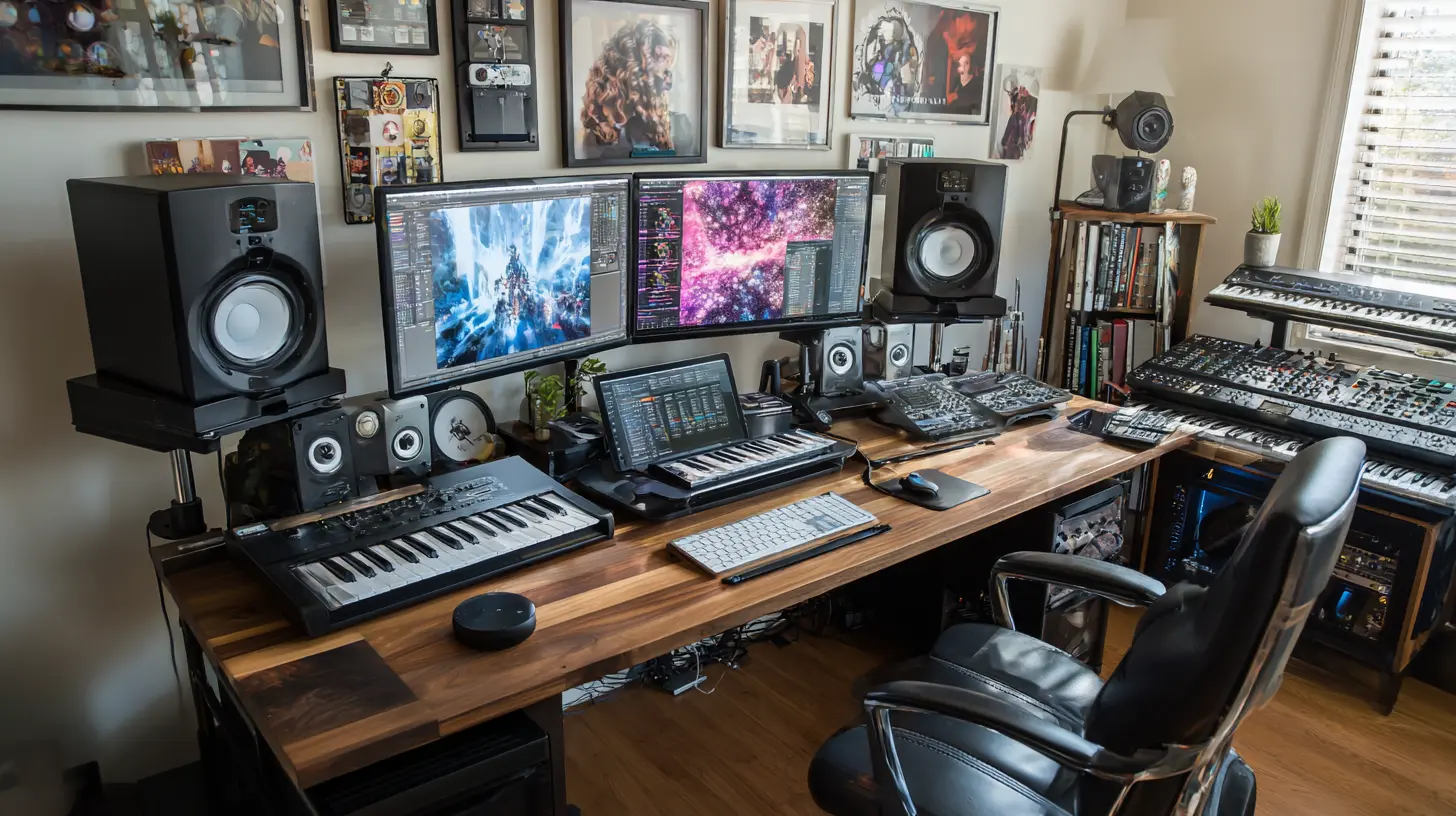
Remember when “home studio” meant a laptop, a cheap USB mic, and a prayer? Those days are dead. In 2027, we’ve got tools that would’ve cost a million dollars a decade ago, now sitting on your desk for the price of a decent vacation. The shift happened because of three things: AI integration, wireless reliability (finally), and modular hardware that grows with you.Think of it like this: if your old studio was a flip phone, the 2027 setup is a smartphone—capable of everything, but only if you know which apps to install. The key is balance. You don’t need to buy everything. You need the right combination of gear that works for you, not against you. So, let’s break it down by use case, because a beatmaker’s perfect setup is a podcaster’s nightmare.
The Core Brain: Your 2027 Computer (Don’t Skimp Here)
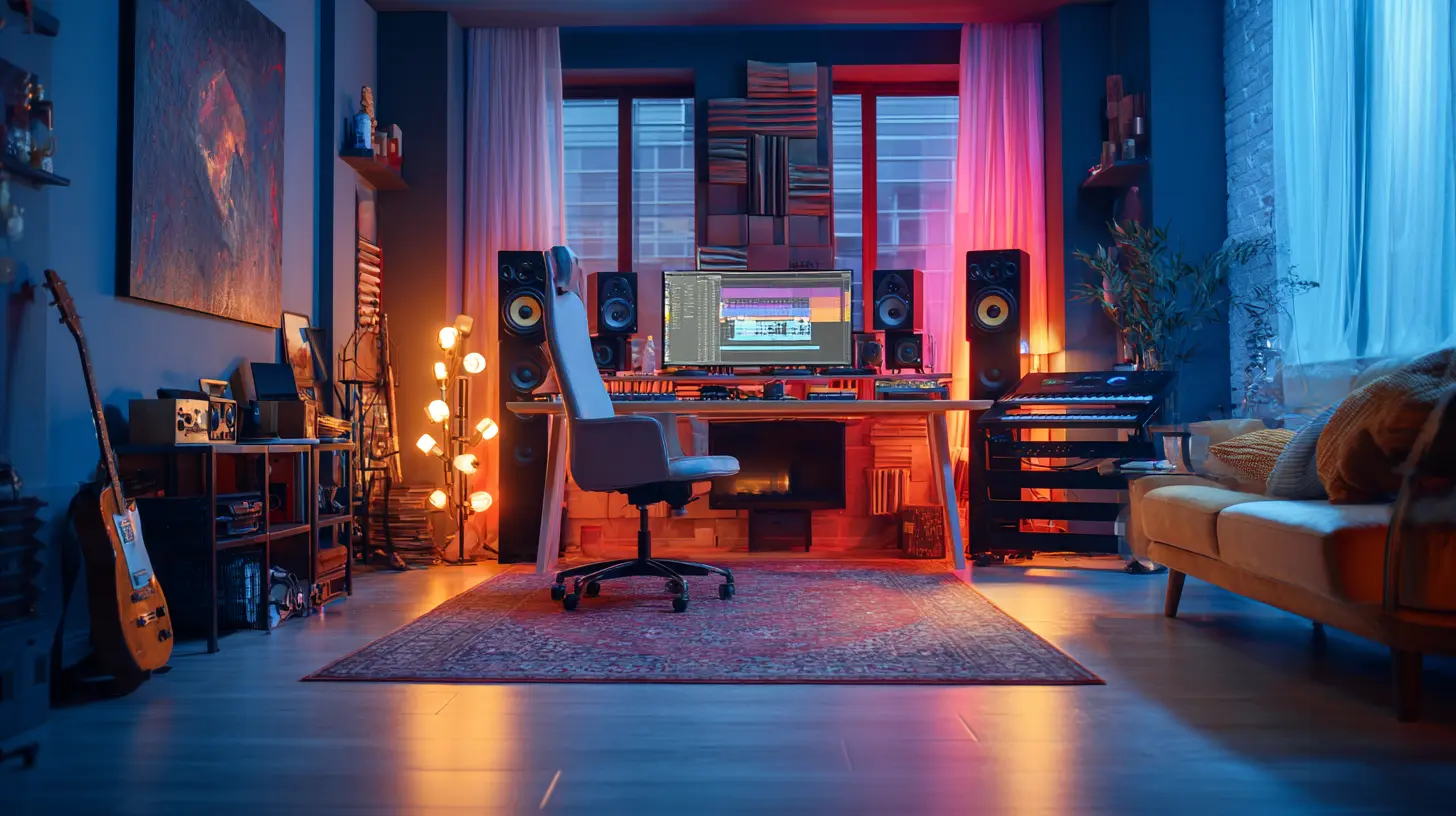
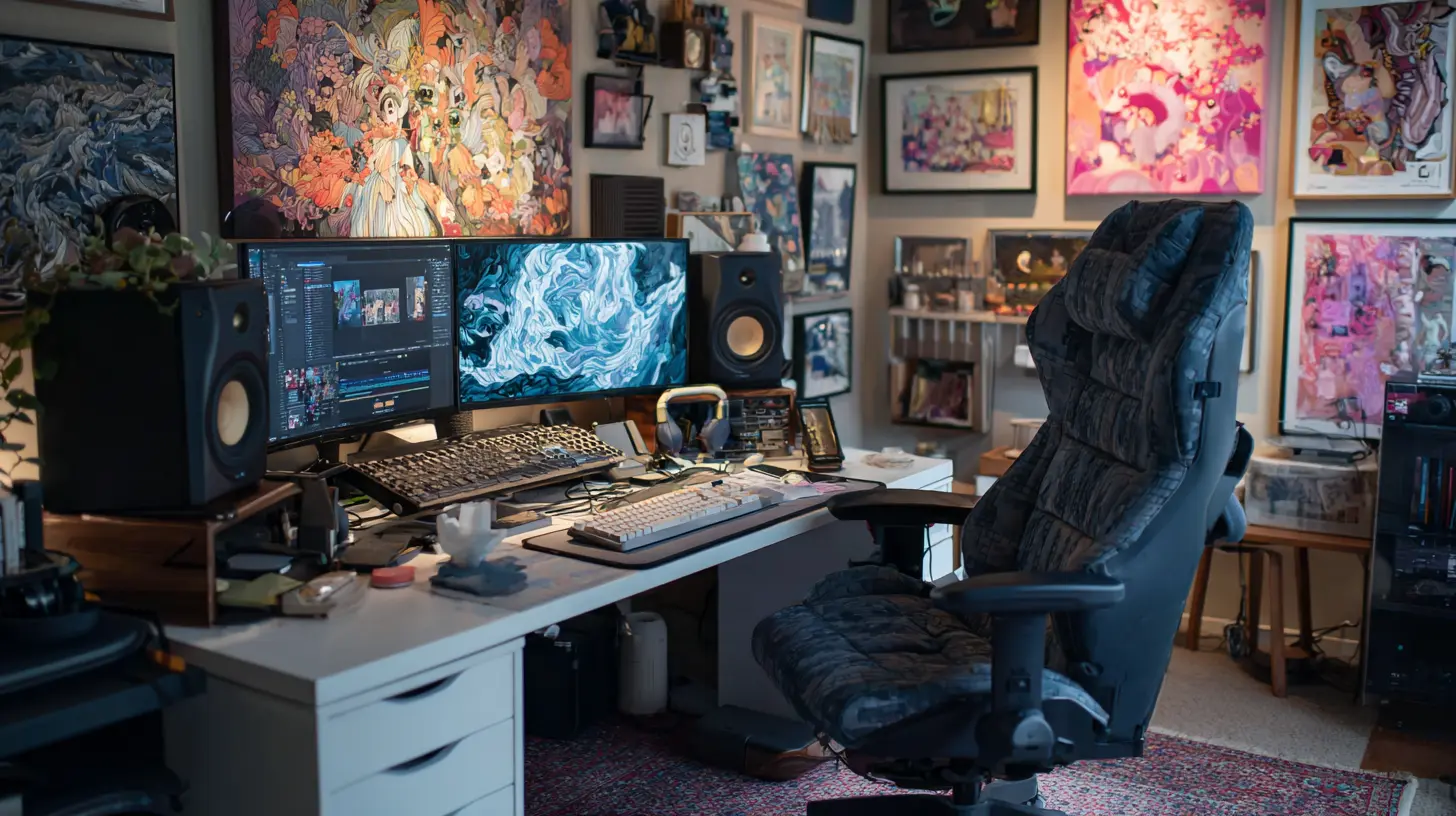
Let’s start with the heart of your studio. In 2027, the computer isn’t just a tool—it’s your co-producer. Apple’s M4 Ultra Mac Studio is still the king for creatives, but don’t sleep on the latest Windows machines with Intel’s 18th-gen chips or AMD’s Ryzen 9000 series. Why? Because AI-powered plugins are now standard. You need a machine that can run real-time vocal tuning, noise reduction, and even generative melody suggestions without breaking a sweat.My recommendation: If you’re on a Mac, grab the Mac Studio with at least 64GB of unified memory. For Windows, look for a desktop with a dedicated NPU (Neural Processing Unit). This isn’t just about speed—it’s about future-proofing. In 2027, your DAW (like Logic Pro 12 or Ableton Live 12) will use AI to analyze your mix and suggest EQ adjustments. Your computer needs to handle that without stuttering. Think of it like buying a truck that can tow more than you’ll ever need—better to have headroom than to be stranded.
The AI Assistant: Your Invisible Engineer
Here’s where 2027 gets wild. You no longer need a separate mixing engineer for basic tasks. Tools like LANDR 2.0 and iZotope RX 11 have evolved into full-fledged assistants. They can listen to your raw vocal track, detect sibilance, and apply de-essing in real time. Some even offer “style transfer”—take your guitar riff and make it sound like it was played through a vintage amp from 1965.But don’t let the AI do everything. Use it as a starting point, not a crutch. I’ve seen creators who let AI mix their entire song, and it sounds sterile—like a robot trying to feel emotions. Instead, use AI to handle the boring stuff (noise gates, leveling) so you can focus on the creative decisions (arrangement, emotion). It’s like having a sous chef who chops the onions so you can focus on the sauce.
The Interface: Your Gateway to Good Sound
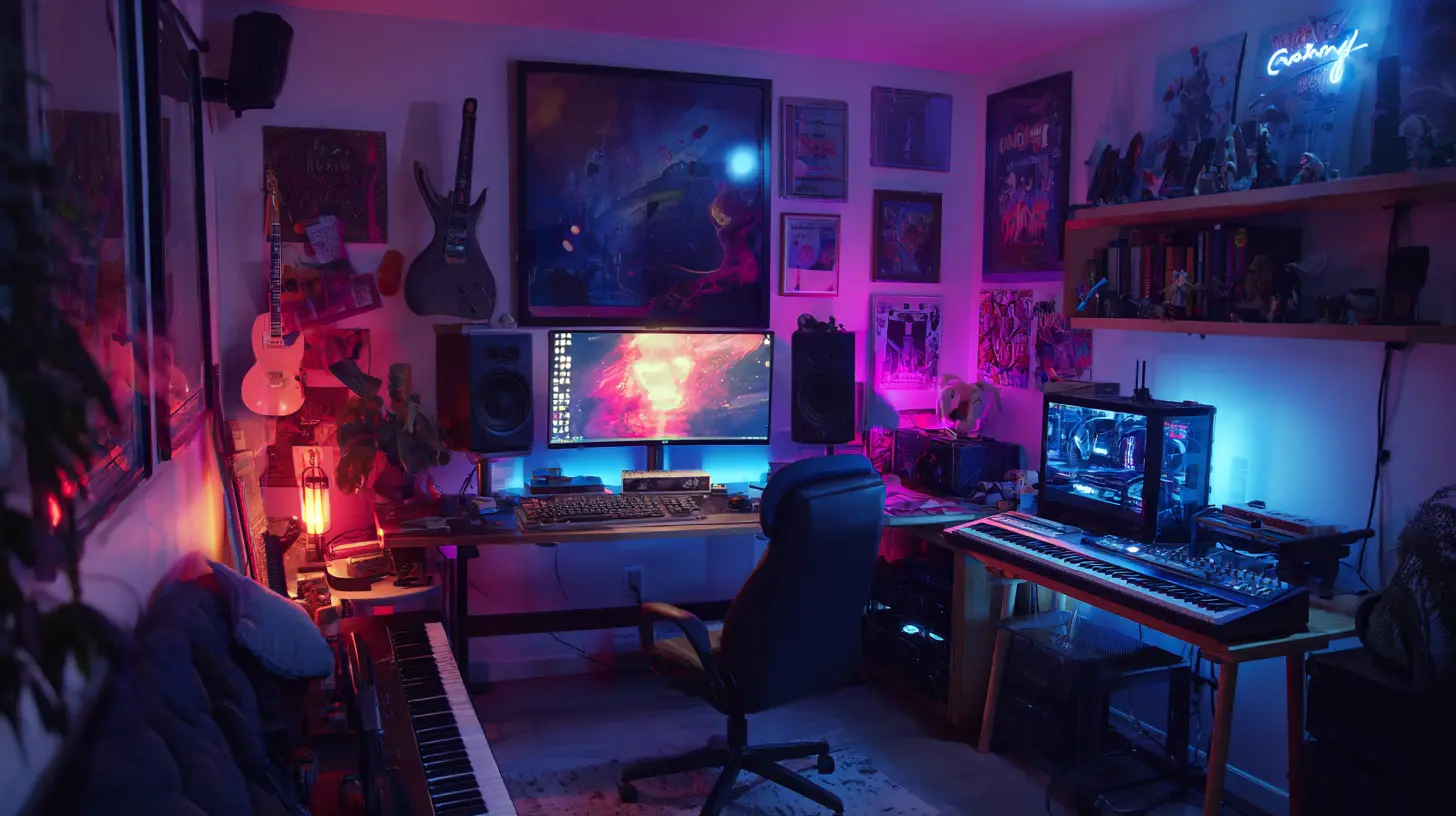
In 2027, audio interfaces have become absurdly good. The Universal Audio Apollo x8 Gen 3 is still a beast, but the new kid on the block is the RME Fireface UFX III with its built-in DSP that handles real-time effects without latency. For budget-conscious creators, the Focusrite Scarlett 4i4 Gen 5 now includes optical inputs and better preamps that rival units twice the price.Key feature to look for: ADAT expansion. If you plan to add more inputs later (say, for a drum kit or a multitrack podcast), you need an interface that can expand via ADAT. It’s like buying a house with an unfinished basement—you can finish it later, but the foundation needs to be there. Also, check for USB-C 4.0 support. The old USB 3.0 days are over; 4.0 offers lower latency and more power delivery, meaning you can daisy-chain multiple devices without a hub.
Microphones: The 2027 Revolution
Microphones in 2027 are no longer just about diaphragm size. We’ve got AI-enhanced mics that adjust their polar pattern based on your room’s acoustics. The Shure SM7dB (the updated version with built-in preamp) is still a workhorse for vocals and podcasting, but the Sennheiser MKH 416 continues to dominate for voiceover work.But here’s the game-changer: wireless microphones that don’t suck. The Rode Wireless Pro II uses a 2.4GHz band with adaptive frequency hopping, meaning no dropouts even in a crowded Wi-Fi environment. For mobile creators, the DJI Mic 2 is tiny, clips onto your collar, and records 32-bit float audio internally. Why does that matter? Because 32-bit float means you can record loud sounds without clipping, and then “rescue” quiet whispers in post. It’s like having a safety net for your audio—no more ruined takes because you forgot to adjust the gain.
Pro tip: Don’t buy a “one mic fits all” solution. For vocals, get a large-diaphragm condenser (like the Aston Origin). For instruments, get a small-diaphragm condenser (like the SE Electronics sE7). For podcasting, get a dynamic mic (like the Electro-Voice RE20). Yes, it costs more, but your listeners will hear the difference. Imagine using a butter knife to cut a steak—it works, but why suffer?
Headphones and Monitors: The Truth Tellers
Your ears are your most important tool, so treat them well. In 2027, open-back headphones have become the standard for mixing. The Beyerdynamic DT 900 Pro X offers incredible soundstage for under $400, while the Audeze LCD-XC (closed-back) is the go-to for tracking when you don’t want bleed into your mic.But here’s the twist: AI room correction has made monitors almost obsolete for some creators. The Sonos Era Pro Studio (yes, Sonos makes studio monitors now) uses built-in mics to analyze your room and apply DSP corrections in real time. It’s like having a soundproof booth without the construction. However, if you want traditional monitors, the Yamaha HS8 (updated with Bluetooth 6.0) still delivers flat, honest sound.
My advice: Always check your mix on three different outputs: your monitors, your headphones, and a pair of cheap earbuds. If it sounds good on all three, you’ve won. If it only sounds good on your $2,000 headphones, you’ve got a problem. It’s like cooking a dish and only tasting it with a gold spoon—it’s not realistic.
The Acoustic Treatment: Smart Materials
Acoustic foam is so 2020. In 2027, we have adaptive acoustic panels that change their absorption based on the frequency. The Vicoustic Flexi Panel Pro uses a mesh of metamaterials that can be tuned via an app to absorb bass frequencies or reflect midrange, depending on what you’re recording. It’s like having a room that shapeshifts for each project.Budget option: DIY with heavy curtains and bookshelves. But if you have the cash, invest in a portable vocal booth like the Isovox 2.0 (now with built-in LED lighting and a USB fan). It folds flat, so you can set it up in 30 seconds and break it down when guests come over. Perfect for apartment dwellers.
The Software Stack: Your Digital Studio
Your DAW is your canvas. In 2027, Ableton Live 12 is still the king of electronic music, but Logic Pro 12 has caught up with its “Session Players” feature that generates bass, drums, and keyboard parts based on your chord progression. For podcasters, Adobe Audition 2027 now has a “Voice Cleanup” AI that removes mouth clicks and breaths in one click.Must-have plugins:
- Soundtoys 5.5 (updated with AI-driven modulation)
- ValhallaDSP Supermassive 2 (for spatial reverb)
- Serum 3 (wavetable synth with AI patch generation)
But don’t go overboard. A common mistake is buying 50 plugins and using none of them well. Stick to 5-10 core ones and learn them deeply. It’s better to know one knife than to own a drawer of rusty blades.
The Connectivity: Cable Management and Wireless
Cables are the enemy of creativity. In 2027, Mogami Gold AES/EBU cables are still the gold standard, but wireless MIDI has become bulletproof. The CME WIDI Master connects your MIDI controller to your computer via Bluetooth with <3ms latency. No more tripping over USB cables.Power management: Use a Furman P-1800 AR power conditioner to protect your gear from surges and noise. Cheap power strips are like inviting static into your signal chain. Don’t do it.
The Ergonomics: Your Body Matters
You can’t make great art if your back hurts. Invest in a Herman Miller Aeron chair (or a cheaper alternative like the Steelcase Series 1) and a Jarvis standing desk that adjusts height. Your monitor should be at eye level, and your keyboard should be at elbow height. I learned this the hard way after a year of hunching over a laptop—I sounded like a 90-year-old when I stood up.Lighting: Use bias lighting behind your monitor to reduce eye strain. The Philips Hue Play bars sync with your music for a mood boost, but any warm LED strip works. Avoid overhead fluorescent lights—they hum and can bleed into your mic.
The 2027 Home Studio Setups by Use Case
For the Music Producer (Electronic/Beatmaker)
- Computer: Mac Studio M4 Ultra- Interface: Universal Audio Apollo x8 Gen 3
- Controller: Ableton Push 3 (standalone mode)
- Monitors: Yamaha HS8 + Subwoofer
- Headphones: Beyerdynamic DT 900 Pro X
- Synth: Arturia MiniFreak (for texture)
- AI Tool: LANDR 2.0 for mastering
For the Podcaster/Streamer
- Computer: Windows PC with Intel 18th-gen + NPU- Interface: Rodecaster Pro II (updated with AI voice isolation)
- Microphone: Shure SM7dB + Cloudlifter
- Headphones: Sony MDR-7506 (classic, still great)
- Software: Adobe Audition 2027 + Descript for transcription
- Acoustic: Isovox 2.0 portable booth
For the Video Creator/YouTuber
- Computer: MacBook Pro M4 Max (for portability)- Interface: Focusrite Scarlett 4i4 Gen 5
- Microphone: Rode Wireless Pro II (dual lavalier system)
- Camera: Sony A7S IV (with AI autofocus)
- Lighting: Aputure Amaran 200d S
- Software: DaVinci Resolve 19 (free version is amazing)
The Future-Proofing Checklist
Before you buy anything, ask yourself:1. Does it support USB-C 4.0 or Thunderbolt 5?
2. Can it expand (ADAT, PCIe, or modular)?
3. Is there a robust firmware update path?
4. Does it have a physical bypass switch (for analog purists)?
Avoid “all-in-one” gadgets that promise everything but deliver mediocrity. In 2027, specialization still wins. A dedicated audio interface will always sound better than a “podcast mixer” that also tries to be a webcam.
Final Thoughts: Build for Your Workflow, Not Your Wallet
Here’s the truth: the best home studio in 2027 isn’t the one with the most gear. It’s the one that gets out of your way. If you spend more time troubleshooting than creating, you’ve failed. Start with the essentials: a great computer, a clean interface, a reliable mic, and decent headphones. Add acoustic treatment next (yes, before the fancy preamp). Then, once your foundation is solid, sprinkle in the AI tools and fancy controllers.Remember, every pro started with less. What matters isn’t the gear—it’s the hours you put in. But with the right tech, those hours become more productive, more fun, and more rewarding. So go ahead, build your dream studio. 2027 is waiting.
all images in this post were generated using AI tools
Category:
Tech For CreatorsAuthor:

Adeline Taylor
Discussion
rate this article
2 comments
Erin Dorsey
I love the blend of creativity and tech in these setups! It's inspiring to see how personalizing your space can boost productivity. Can't wait to implement some ideas in my own studio!
May 28, 2026 at 12:17 PM
Adeline Taylor
Thanks for your thoughts! Personalizing your space really does make a difference. Excited to see what you create in your studio!
Sylvia Hensley
Innovative setups for every creative's home studio needs in 2027.
May 3, 2026 at 4:57 AM
Adeline Taylor
Thanks for your comment! Excited to see how these setups will inspire creativity in 2027.