Hybrid Devices That Could Change Computing in 2026
18 September 2026
The laptop is dying. Not literally, of course. But the idea that you need one device for typing, another for sketching, a tablet for reading, and a phone for everything else? That's a relic of a supply chain that wanted to sell you four things instead of one. The industry knows it. You know it. And in 2026, the hardware is finally catching up to the promise that "2-in-1" has been making for a decade.
Here's the uncomfortable truth: most hybrid devices have been compromises. Detach the keyboard and you get a top-heavy tablet with a mediocre OS. Fold it and you get a crease you can feel with your fingernail. The category has been long on marketing and short on conviction.
That's changing. Not because of one breakthrough, but because of a convergence: silicon that sips power instead of gulping it, display tech that bends without breaking, and software that finally treats touch, pen, and keyboard as equal citizens rather than afterthoughts. Let's dig into the specific devices and form factors that matter, why they work, and where they'll still frustrate you.
The Three Hybrid Categories That Actually Matter
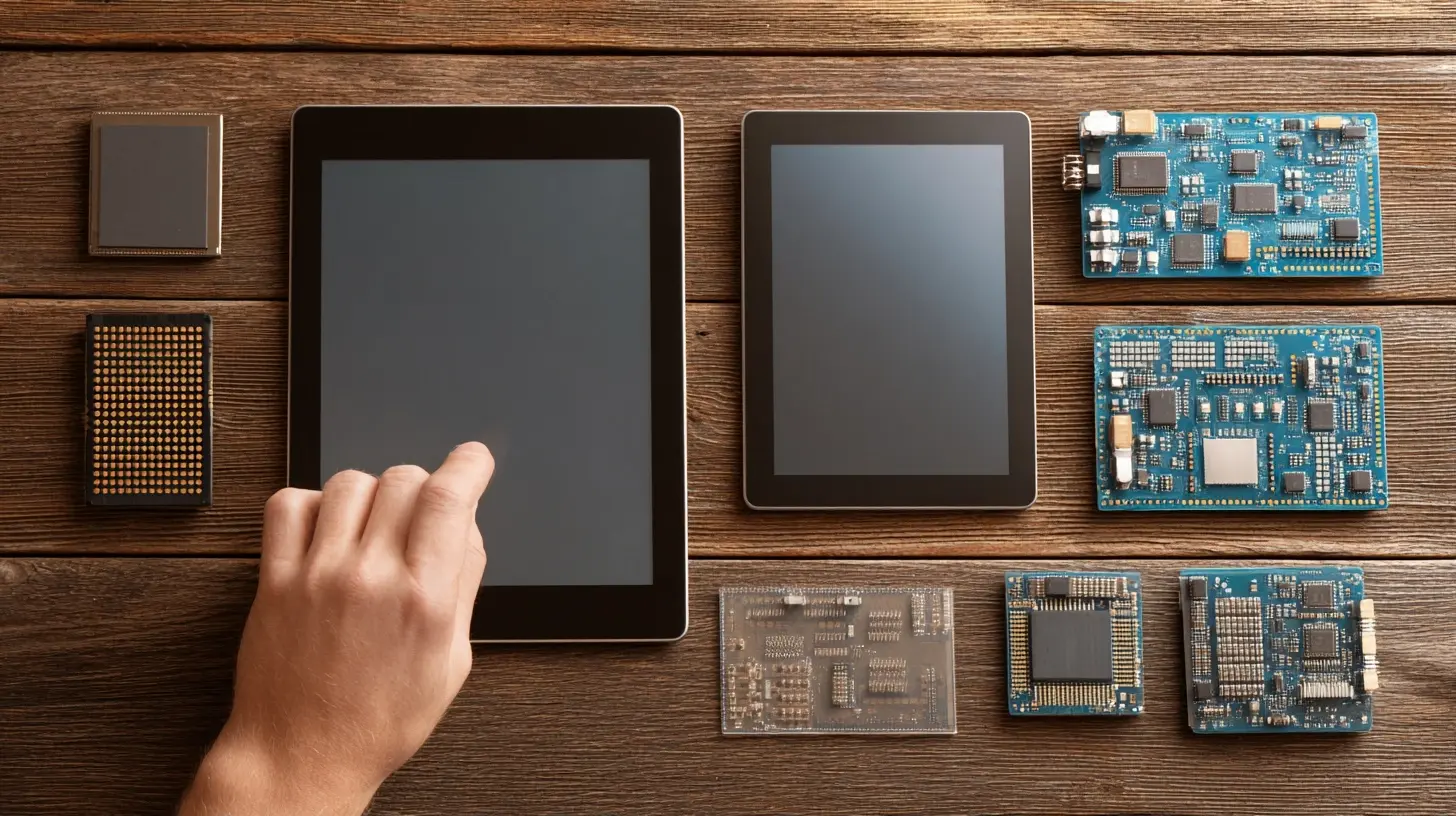
Before we name names, let's separate the hype from the hardware. "Hybrid" gets thrown around loosely. In practice, there are three distinct architectures, and each solves a different problem.Detachables have a screen that fully separates from a keyboard base. Think Surface Pro or iPad with a Magic Keyboard. The upside is genuine tablet portability. The downside is that the keyboard base is dead weight when detached and rarely has enough battery to matter.
Convertibles use a 360-degree hinge. The keyboard folds behind the screen. You never lose the keyboard, but you carry its weight and thickness at all times. Lenovo's Yoga line defined this category.
Folding and dual-screen devices split the difference, using flexible panels or two distinct displays to create a large canvas that shrinks to pocket or bag size. This is where the real 2026 action is.
Each category has a different ideal buyer. Buy a detachable if you spend more than 40 percent of your time in tablet mode. Buy a convertible if you mostly type but occasionally present or sketch. Buy a foldable if portability is your religion and you're willing to pay the tithe.

Silicon Is the Quiet Hero
You can't talk about 2026 hybrids without talking about what's inside them. The reason these devices can be thin, silent, and long-lasting is the shift to ARM-based and low-power x86 chips that deliver serious performance per watt.Apple's M-series chips proved the concept years ago: you don't need a fan to edit 4K video. The rest of the industry noticed. Qualcomm's Snapdragon X line brought that efficiency to Windows. Intel and AMD responded with chips that trade peak clock speed for sustained battery life and cooler operation.
Why does this matter for hybrids specifically? Because a detachable tablet has no room for a cooling fan. A folding phone-laptop has even less. Efficiency isn't a nice-to-have here. It's the entire ballgame.
The practical consequence: in 2026, you can run a full desktop-class workflow on a device that weighs under two pounds and never spins up a fan. That was science fiction in 2019.
The Catch Nobody Mentions
ARM on Windows still has app compatibility gaps. Most mainstream software runs fine, often through emulation that's now fast enough to be invisible. But if you rely on niche engineering tools, certain anti-cheat-protected games, or legacy enterprise software, test before you buy. This is the single biggest mistake hybrid buyers make: assuming "it runs Windows" means "it runs everything you run."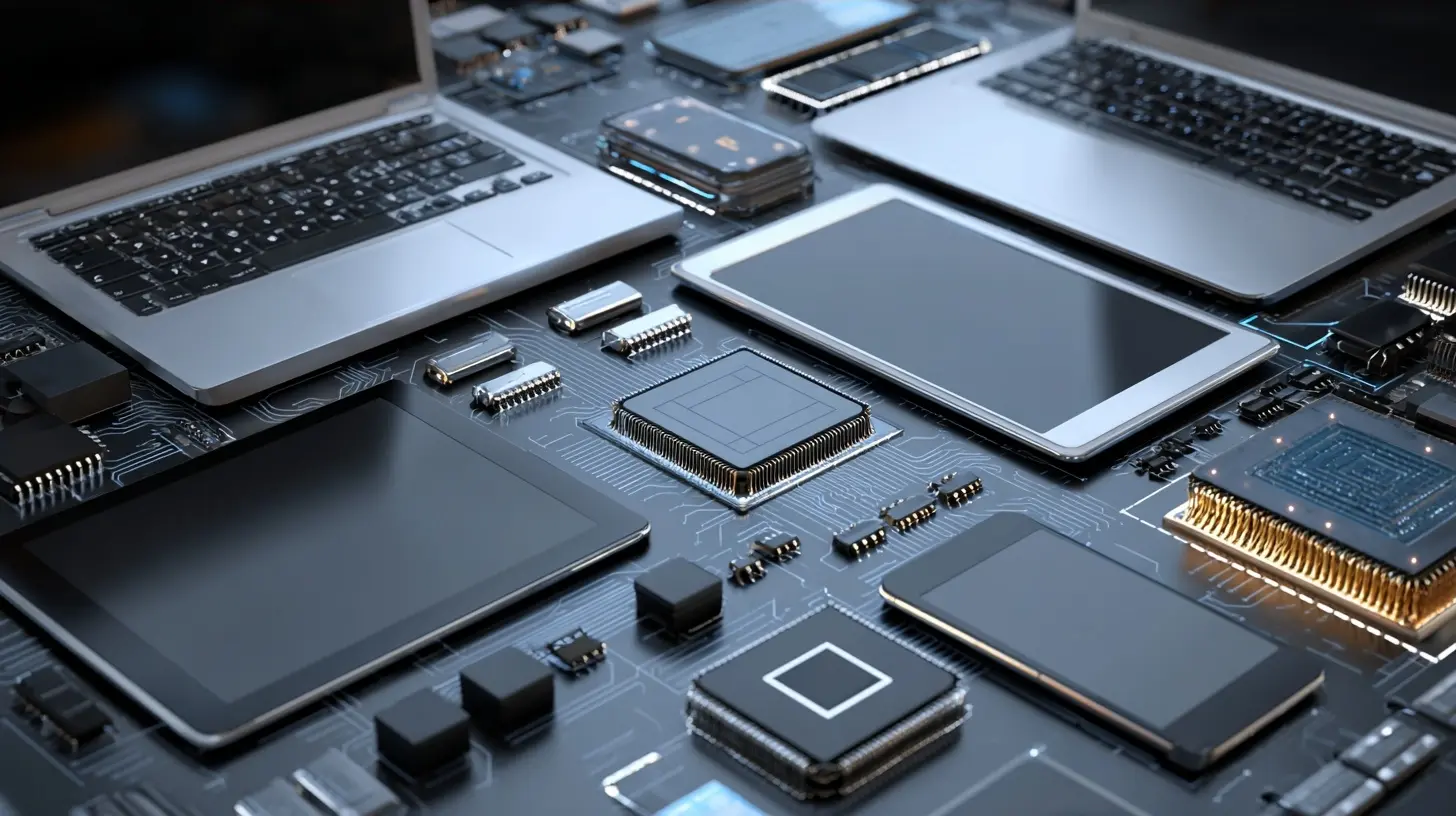
The Devices and Form Factors Worth Watching
Let me be clear: I'm not going to invent product names or pretend to have leaked spec sheets. What I can do is describe the device classes that are real, shipping, and evolving, and tell you what to expect from each in 2026.Premium Detachable Tablets
The Surface Pro formula, now matured. These are 13-inch-ish tablets with magnetically attached keyboards and active pen support. In 2026, expect OLED or tandem OLED panels as standard on the high end, 120Hz refresh rates, and battery life measured in double-digit hours of real work.Who should buy: consultants, writers, students, and anyone who lives in a browser and a document editor. The pen input is genuinely useful for annotation, not just a gimmick.
Who should not: video editors working with heavy timelines, developers running local containers, or anyone who needs a discrete GPU. These devices are efficient, not powerful in the workstation sense.
360-Degree Convertibles
The workhorse. You get a real keyboard, a real trackpad, and the option to flip into tent or tablet mode. The 2026 generation leans hard into thin-and-light, with some models under 2.5 pounds.The trade-off is obvious: you're always carrying the keyboard. But that's also the point. There's no "oops, I left the keyboard at home" moment. For people who type 80 percent of the time and sketch 20 percent, this is the right answer.
Pro tip: check the hinge. A good 360 hinge holds position at any angle without wobble. A bad one flops. This is where cheap convertibles betray themselves within six months.
Foldable PCs and Dual-Screen Laptops
This is the frontier. Devices with a single folding display, or two separate panels joined by a hinge, that expand your workspace without expanding your bag.The appeal is real: a 17-inch canvas that folds to 12 inches. The problems are also real. Creases are still visible on most folding panels, though they've gotten subtler. Durability under daily folding is better than it was, but you're still an early adopter. And software support for dual-screen workflows remains uneven.
My honest take: if you're a road warrior who presents, annotates, and multitasks across windows, a foldable PC in 2026 is genuinely compelling. If you're risk-averse and keep devices for five years, wait one more generation.

What to Actually Compare Before You Buy
Spec sheets lie by omission. Here's what to check instead.Keyboard quality. Type on it in a store. If the key travel is under 1mm and the deck flexes, you'll hate it within a week. Detachable keyboards are the usual offender.
Pen latency and palm rejection. For artists and note-takers, this matters more than CPU. Look for sub-20ms latency and reliable palm rejection. Test it, don't trust the marketing.
Port selection. Hybrids love to sacrifice ports for thinness. Count your USB-C ports. If you need HDMI, SD cards, or USB-A, budget for a dongle or a dock. This is a hidden cost.
Battery in tablet mode. Manufacturers quote battery life with the keyboard attached. Detached, the screen is doing all the work. Expect 30 to 40 percent less runtime. Plan accordingly.
Repairability. Foldables and glued-together tablets are nightmares to fix. If you keep devices long-term, check iFixit scores or manufacturer repair programs before committing.
Common Mistakes and Misconceptions
Myth one: a hybrid replaces both your laptop and your tablet. In practice, it replaces one well and the other adequately. If you're a heavy tablet user, a detachable works. If you're a heavy laptop user, a convertible works. Trying to make one device be perfect at both usually means it's mediocre at both.Myth two: more modes equal more productivity. Most people use two modes: laptop and tablet. Tent mode and presentation mode are nice for specific moments, not daily drivers. Don't pay a premium for hinge gymnastics you'll never use.
Myth three: ARM means weak. Not anymore. For 90 percent of workloads, a modern ARM chip feels faster than an older x86 chip because it stays cool and never throttles. The exception is sustained heavy compute, where raw x86 power still wins.
Mistake: buying for the spec sheet, not the workflow. The best hybrid is the one that matches how you actually work. Write down your top five tasks. If four of them need a keyboard, buy a convertible. If three need a pen, buy a detachable.
Best Practices for Getting Real Value
- Buy the pen and keyboard together. Bundles are cheaper, and third-party accessories often have worse latency and palm rejection.- Prioritize the display and input over the CPU. You interact with the screen and keyboard every second. You hit the CPU ceiling rarely.
- Test the software ecosystem first. If you depend on specific apps, verify they run natively or well-emulated before you spend.
- Consider total cost. A hybrid plus a dock plus a dongle plus a case can cost more than a laptop plus a tablet. Do the math.
- Check the return window. Hybrids are personal. What feels great in a store can annoy you in a week. Buy somewhere with easy returns.
Where This Is All Heading
The trajectory is clear: the distinction between laptop, tablet, and phone is dissolving. Not into one device, but into a continuum of sizes and input methods that share an OS, an app ecosystem, and your data.The winners in 2026 won't be the devices with the flashiest hinges. They'll be the ones that disappear into your workflow, where you stop thinking about the mode and just start working. That's the real test of any hybrid: when you forget it's a hybrid, it's done its job.
If you're buying this year, be honest about your habits, test the inputs, and don't pay for flexibility you won't use. The hardware is finally good enough. The question is whether your workflow is ready for it.
all images in this post were generated using AI tools
Category:
Technology ReviewsAuthor:

Adeline Taylor
Discussion
rate this article
1 comments
Azriel McElveen
Hybrid devices promise to redefine user experiences, merging form and functionality like never before.
September 18, 2026 at 10:40 AM