How to Spot and Avoid Phishing Scams
3 November 2026
Phishing is the internet's oldest con, and it keeps working because it targets the one vulnerability no patch can fix: human trust. You can run the best firewall money can buy, but if you type your password into a fake login page because the email looked legitimate, none of that matters. The good news is that phishing is also one of the most detectable scams out there, once you know what you are actually looking for. This guide goes beyond the tired advice of "check for spelling mistakes" and digs into the mechanics of how these attacks work, why they succeed, and how to build habits that protect you even when your attention slips.

Why Phishing Still Works So Well
Before we get into detection, it helps to understand the psychology at play. Phishing is not a technical attack. It is a social engineering attack that occasionally uses technical tricks as support. The attacker's real target is your decision-making process.Most phishing campaigns lean on one or more of these levers:
- Urgency. A deadline forces you to act before you think. "Your account will be suspended in 24 hours" is designed to bypass your skeptical brain.
- Authority. Messages that appear to come from your boss, your bank, or a government agency carry built-in compliance.
- Fear. The threat of losing money, access, or reputation short-circuits careful analysis.
- Curiosity. "Someone shared a document with you" or "See who viewed your profile" exploits the same itch that makes us click headlines.
- Helpfulness. A request that seems small and reasonable, like confirming a delivery address, feels rude to refuse.
Understanding these levers matters because it gives you a detection strategy that does not depend on spotting a typo. When a message makes you feel rushed, afraid, or curious, that emotional spike is itself a signal. Treat it as a yellow flag and slow down deliberately.
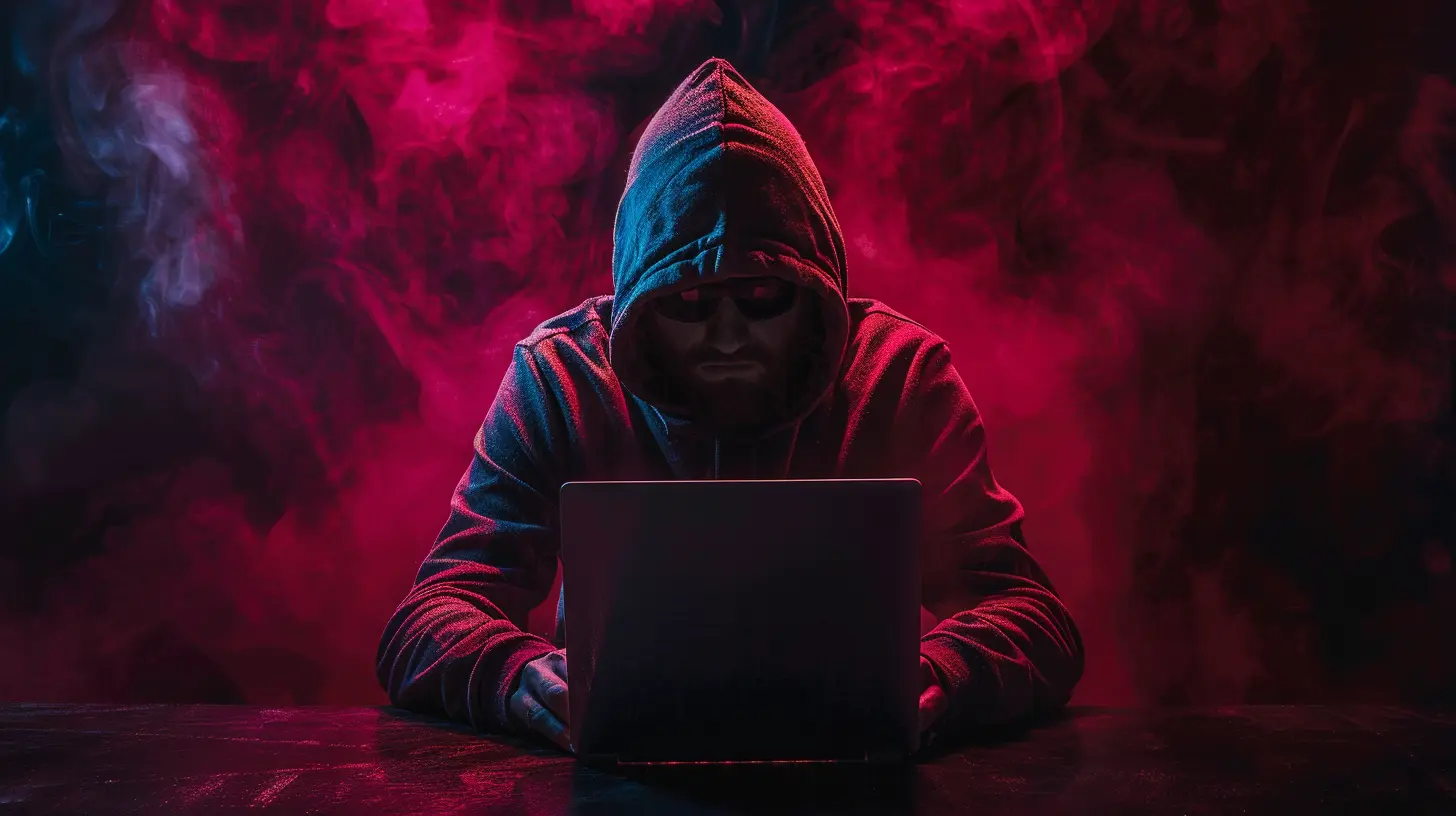
The Many Faces of Phishing
"Phishing" is an umbrella term, and the specific variant changes what you should watch for. Here is a practical breakdown of the forms you are most likely to encounter.Bulk Email Phishing
This is the classic: a mass email pretending to be from a bank, a streaming service, or a shipping company, sent to thousands of addresses at once. The bait is generic because the sender does not know anything about you. Ironically, that makes bulk phishing easier to spot. If an email opens with "Dear Customer" instead of your name, and you do not actually have an account with the company in question, you can dismiss it quickly.Spear Phishing
Spear phishing is targeted. The attacker has done homework: your name, your role, your colleagues, maybe a project you are working on. These messages are far more convincing because they reference real context. A spear phishing email might appear to come from a coworker asking you to review a document, or from a vendor you actually use. The generic tells, like wrong names or vague greetings, often disappear. Detection here relies more on verifying the sender through a separate channel than on scrutinizing the text.Whaling
Whaling is spear phishing aimed at executives and other high-value targets. The goal might be a fraudulent wire transfer, access to sensitive systems, or compromising an account that can then be used to phish others. Because executives are busy and often delegate, attackers count on assistants and junior staff to process requests without deep scrutiny. Organizations should treat any payment or credential request from a senior leader as requiring out-of-band verification, no exceptions.Smishing and Vishing
Smishing is phishing by text message. Vishing is phishing by phone call, sometimes paired with a text or email to lend credibility. Both exploit the fact that people are more conditioned to respond quickly on their phones and more trusting of a live human voice. A common smishing pattern is a text claiming a package is held up and asking you to click a link to reschedule delivery. A common vishing pattern is a caller claiming to be from your bank's fraud department, warning of suspicious activity and asking you to "verify" your details.Quishing
QR code phishing, or quishing, hides the malicious URL inside a QR code, often in an email or on a printed flyer. Because you cannot read a QR code with your eyes, the usual habit of hovering over a link to inspect it does not apply. Attackers use this to bypass email filters that scan for suspicious links, since the filter sees an image, not a URL. If you scan a QR code and land on a login page, treat it with the same suspicion as any link, and check the address bar carefully.Angler Phishing and Social Media Impersonation
This variant targets people through social media, often by impersonating a company's support account. You post a complaint about a service, and minutes later a fake support account replies asking you to send a direct message with your account details. The impersonation can be convincing because the attacker copies the real account's branding. The rule of thumb: never hand over account details or click links from a support account that reached out to you first, even if it looks official.
How to Spot a Phishing Attempt: A Practical Checklist
Rather than memorizing a list of red flags, it helps to run through a short mental checklist whenever a message asks you to do something consequential. Here is the sequence I recommend.Step 1: Check the Sender Address, Not the Display Name
The display name is trivially spoofed. An email can show "Microsoft Support" as the sender while the actual address is something like [email protected]. On desktop clients, click or hover over the sender name to reveal the full address. On mobile, tap it. Look at the domain, meaning the part right before the final dot and the top-level domain. Attackers rely on lookalike domains: micros0ft.com with a zero, paypa1.com with a one, or a legitimate-looking domain with an extra word like secure-bank-login.com.One nuance worth knowing: even a perfectly correct sender address is not proof of legitimacy. Email spoofing of the "From" header is sometimes possible, and attackers regularly compromise real accounts and send phishing from them. So the sender address is a filter, not a guarantee.
Step 2: Inspect Links Before Clicking
On desktop, hover over a link and read the destination in the status bar or the tooltip. The visible text and the actual destination are often different. A link that displays yourbank.com might point to yourbank.secure-login.example. On mobile, where hovering is not possible, press and hold the link to preview the URL, or better, avoid clicking entirely and navigate to the site yourself.Pay attention to the structure of the URL. The real domain is the part immediately before the first single slash after the protocol. In https://yourbank.com.account-verify.example/login, the actual site is account-verify.example, not yourbank.com. Attackers exploit this by putting the trusted name early in the address where the eye lands first.
Step 3: Question the Request Itself
Ask what the message is actually asking you to do. Legitimate organizations rarely ask you to confirm a password by email, send credentials over chat, or pay an invoice by gift card. Requests that feel slightly off, like a change to payment details on an existing invoice, deserve a phone call to a number you already have on file, not one from the email.Step 4: Look for Pressure and Secrecy
Urgency and requests for confidentiality are hallmarks of fraud. A real vendor does not mind if you take an hour to verify a payment change. A real IT department does not ask you to keep a password reset secret. If a message insists on speed or silence, that is a reason to slow down, not speed up.Step 5: Verify Through a Separate Channel
This is the single most effective habit in the entire article. If an email claims to be from your bank, do not reply to it or use the contact details in it. Open your banking app or type the bank's known address into your browser. If a message appears to come from a colleague, message them through your company's chat tool or call them. The key is that the verification channel must be independent of the suspicious message.
Common Mistakes and Misconceptions
A few beliefs about phishing cause people to let their guard down. Let us correct them."The email looked professional, so it must be real." Phishing kits are polished. Attackers copy real templates, use proper logos, and write clean copy. Visual quality tells you almost nothing. In fact, a slightly amateurish look can be a deliberate filter to select for less careful targets.
"There was no link, so it was safe." Some phishing relies on attachments, such as a PDF or a document that asks you to enable macros. Others use a phone number to call. The absence of a link does not mean the absence of an attack.
"HTTPS means the site is legitimate." The padlock means the connection is encrypted, not that the site is honest. Anyone can get a certificate for a lookalike domain. The padlock is about privacy in transit, not about the identity of the site owner.
"I would never fall for one." Overconfidence is a risk factor. Phishing works best when you are tired, distracted, or under pressure, and everyone has those moments. The goal is not to be too smart to fall for it. The goal is to have habits that catch mistakes before they cost you.
"My spam filter will handle it." Filters help, but they are probabilistic. New domains and novel lures slip through regularly. Treat the filter as a first line of defense, not a guarantee.
Building Habits That Protect You
Detection is reactive. The stronger approach is to arrange your digital life so that a single lapse does not turn into a disaster. These habits do the heavy lifting.Use a Password Manager
A password manager is arguably the best anti-phishing tool most people never think of in those terms. Because it autofills credentials only for the exact domain it has saved, it will not fill your bank password into a lookalike domain. If the manager does not offer to autofill, that is a strong hint the site is not what it claims to be. It also removes the temptation to reuse passwords, which limits the damage when one site is breached.Turn On Multi-Factor Authentication
Multi-factor authentication, or MFA, adds a second step at login, usually a code from an app or a hardware key. It is not perfect. Attackers can relay codes in real time through fake login pages, a technique sometimes called an adversary-in-the-middle attack. But it raises the cost of an attack considerably and stops a large share of account takeovers. Prefer app-based codes or hardware keys over SMS codes, since SMS can be intercepted or hijacked through SIM swapping.Verify Payment Changes by Phone
Any request to change bank details, especially on an invoice you were already expecting, should be verified by calling a number you already have, not one supplied in the message. This one rule prevents a huge share of business email compromise losses.Slow Down on Mobile
Phones compress information: short previews, hidden URLs, and a tap that is easy to make by accident. When a message on your phone asks you to log in or pay, consider finishing the task later on a computer, or navigate to the service directly through its app. The friction is worth it.Report, Do Not Just Delete
Reporting phishing to your IT team or email provider helps protect others, and it feeds the filters that catch future campaigns. Deleting quietly feels satisfying but does nothing for the next person.
When You Have Already Clicked
If you realize you have interacted with a phishing message, act quickly and do not panic. The order of operations matters.1. Disconnect if you entered credentials on a suspicious page. Change the password for that account immediately from a device you trust, and change it anywhere you reused it.
2. Revoke active sessions. Most services let you sign out of all devices. Do this, because an attacker who has your password may already be logged in.
3. Check for forwarding rules and recovery email changes. Attackers often add rules to hide their activity or change recovery options to lock you out later.
4. Contact your bank or the relevant institution directly using a number you look up yourself, not one from the message.
5. Report the incident to your IT team if it happened at work, and to the relevant platform or authority.
Speed matters more than perfection here. A password changed within minutes is a very different situation from one changed a week later.
Phishing in the Age of AI
Generative AI has made phishing cheaper and more convincing. Attackers can now produce fluent, grammatically clean messages at scale and personalize them using publicly available information. The old advice to look for awkward phrasing is fading in usefulness. What remains durable is structure: verify the sender, inspect the destination, question the request, and confirm through an independent channel. Those checks work regardless of how polished the message is.Voice cloning deserves a mention too. It is now feasible to produce a short audio clip that sounds like a specific person, which makes vishing more dangerous. The defense is the same principle: a request for money or credentials should be verified through a channel the requester cannot control. Call back on a known number. Ask a question only the real person would answer. Do not let a familiar voice override your process.
A Final Word
Phishing is a confidence trick dressed up in technology, and the best defense is a small set of habits applied consistently: check the sender, inspect the link, question the urgency, and verify through a separate channel. You do not need to be paranoid. You need to be a little bit slower at exactly the moments when someone is trying to make you hurry. That pause, repeated over time, is what keeps your accounts and your money where they belong.
all images in this post were generated using AI tools
Category:
Data PrivacyAuthor:

Adeline Taylor

