How to Find Wireless Earbuds with the Best Bluetooth Connectivity
23 May 2026
Wireless earbuds have taken over the audio world by storm. Whether you're commuting, working out, or just lounging at home, a solid pair of wireless earbuds can make all the difference in your listening experience. But there's one big problem that many people face—poor Bluetooth connectivity. Nothing is more frustrating than your music cutting out or your call dropping mid-sentence.
So, how do you find wireless earbuds with the best Bluetooth connectivity? There's a lot to consider, from Bluetooth versions to codecs and even antenna design. Don't worry—I’ve got you covered. In this guide, we'll break things down in simple, easy-to-understand terms so you can make an informed choice. 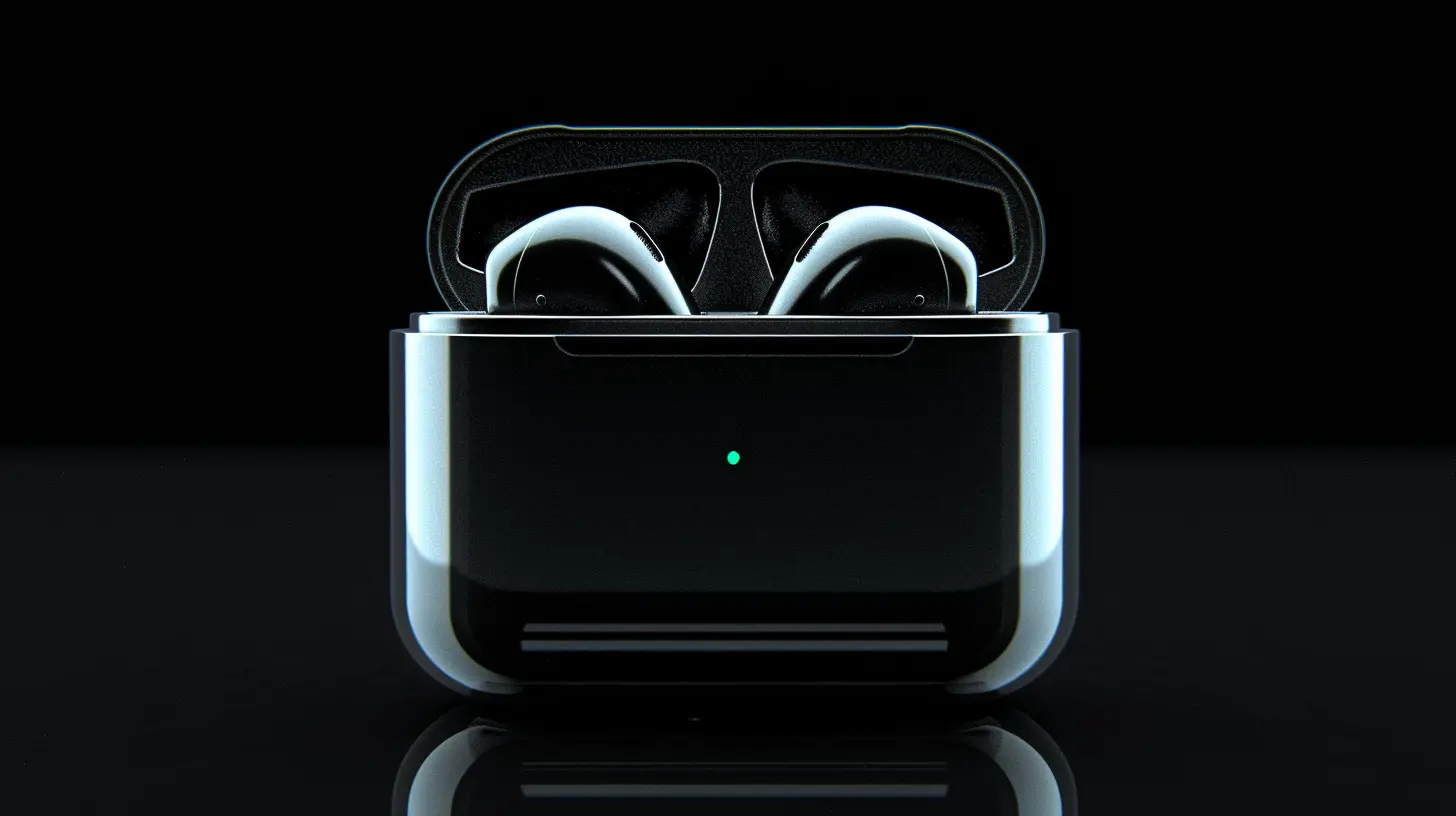
? Understanding Bluetooth Connectivity in Wireless Earbuds
Before jumping into which earbuds are best, let's first look at what makes Bluetooth connectivity strong or weak.What Does Bluetooth Actually Do?
Bluetooth technology allows devices like your phone, laptop, or tablet to wirelessly communicate with your earbuds. When everything works right, it's seamless. But when things go wrong—like audio dropouts, lag, or pairing issues—it can be seriously annoying.The strength of your connection depends on several factors, including the Bluetooth version, audio codecs, antenna design, and interference in your environment. 
✅ Key Factors That Affect Bluetooth Connectivity in Wireless Earbuds
Not all wireless earbuds offer the same level of connectivity. A pair with the latest features can drastically improve your listening experience. Here’s what you need to look out for:1️⃣ Bluetooth Version Matters More Than You Think
Every new version of Bluetooth brings better performance, stronger connections, and improved battery efficiency.- Bluetooth 5.0 or Later – Offers faster pairing, stronger signals, and longer range compared to older versions.
- Bluetooth 5.1 & 5.2 – These come with improved energy efficiency and more stable connectivity.
- Bluetooth 5.3 & 5.4 – The latest versions reduce interference, enhance audio quality, and make connections more reliable.
? Pro Tip: Always pick earbuds with at least Bluetooth 5.0 or later for the best performance.
2️⃣ The Right Bluetooth Codec = Better Sound & Stability
Bluetooth codecs affect both the audio quality and connection stability of your wireless earbuds.Here are some common codecs and what they mean for you:
- SBC (Subband Coding) – The most basic codec used in all Bluetooth devices. It works, but it isn't the best for sound quality or stability.
- AAC (Advanced Audio Codec) – Great for Apple users (iPhones, iPads), delivering better audio quality than SBC.
- aptX & aptX HD – If you're an Android user, look for earbuds with aptX support for better sound and lower latency.
- LDAC – Developed by Sony, LDAC provides higher bitrate audio, perfect for audiophiles.
- LC3 (Low Complexity Communication Codec) – Found in Bluetooth 5.2 and newer, LC3 is designed to provide higher quality and stronger connections with lower battery consumption.
? Bottom Line: If you’re using an iPhone, go for AAC-compatible earbuds. Android users should look for aptX or LDAC for superior performance.
3️⃣ Antenna Quality and Placement
You probably don’t think about antennas when buying earbuds, but they directly affect your Bluetooth performance.- Well-placed, high-quality antennas reduce dropouts and interference.
- Some earbuds come with dual antennas for a stronger connection.
? What to Look For: Brands like Apple (AirPods) and Sony (WF-series) invest in better antenna design for maximum stability.
4️⃣ Interference Can Ruin Your Connection
Wireless earbuds rely on radio waves, and interference from other devices can mess with your Bluetooth signal.Common culprits include:
- Wi-Fi routers
- Microwaves
- Other Bluetooth devices (like smartwatches, speakers, and laptops)
If you experience frequent dropouts, try moving away from congested areas or using earbuds with strong signal processing technology.
5️⃣ Multipoint Connectivity – A Game Changer
Multipoint connectivity allows your earbuds to connect to multiple devices at once. This means you can easily switch between your phone and laptop without manually disconnecting.? Best Earbuds with Multipoint Connectivity:
- Jabra Elite 7 Pro
- Sony WF-1000XM5
- Bose QuietComfort Earbuds II 
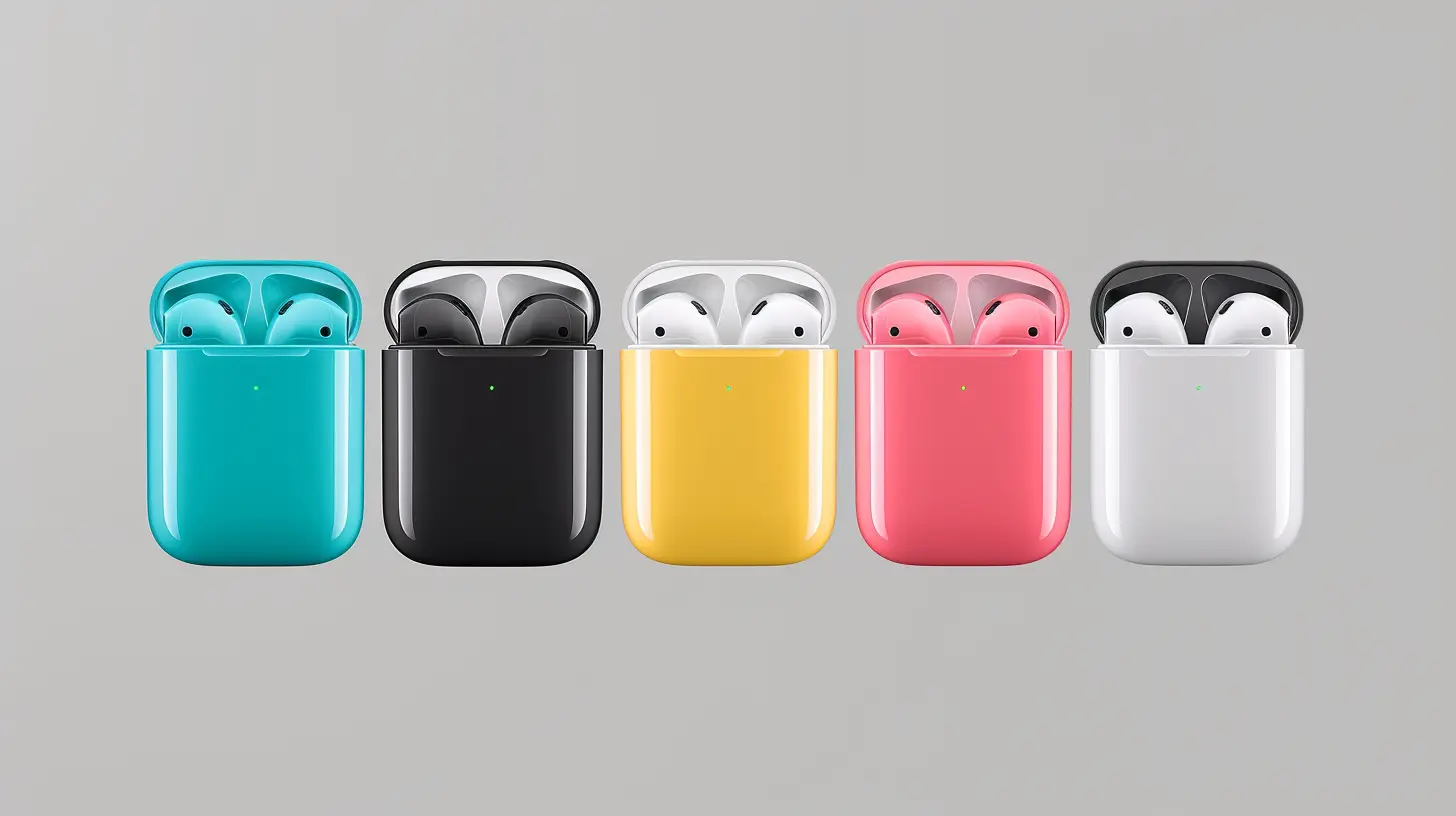
? Best Wireless Earbuds for Strong Bluetooth Connectivity
If you’re tired of dealing with connectivity issues, here are some of the best options that deliver rock-solid Bluetooth performance:? 1. Sony WF-1000XM5
- Bluetooth 5.3- LDAC & AAC support
- Dual Bluetooth antennas for stable connections
- Industry-leading noise cancellation
? 2. Apple AirPods Pro (2nd Gen)
- Bluetooth 5.3- Seamless connectivity with Apple devices
- Custom H2 chip for stronger, faster pairing
? 3. Bose QuietComfort Earbuds II
- Bluetooth 5.3- Personalized noise cancellation & stable connection
- Reliable multipoint pairing
⭐ 4. Jabra Elite 7 Pro
- Bluetooth 5.2- Excellent multipoint connectivity
- Strong, consistent connection even in busy areas
? 5. Samsung Galaxy Buds Pro 2
- Bluetooth 5.3- Scalable codec for improved stability on Samsung devices
- Great for calls & music
? Tips to Improve Bluetooth Connectivity on Your Wireless Earbuds
Even if you buy the best earbuds, issues can still pop up. Here’s how you can get the most reliable connection:✅ 1. Keep Your Earbuds Updated
Manufacturers regularly release firmware updates to improve Bluetooth stability, so always check for updates in the companion app.? 2. Reduce Interference
Try using your earbuds away from Wi-Fi routers, microwaves, or other wireless devices that may interfere with your connection.? 3. Reset and Re-Pair Your Earbuds
If you're constantly experiencing dropouts, reset your earbuds and pair them fresh with your device.? 4. Keep Your Device Close
Most Bluetooth earbuds work best within 10 meters (33 feet) of your phone or laptop. Walls and obstacles may weaken the signal.? 5. Adjust Bluetooth Settings for Best Performance
If your phone has an option to prioritize sound quality or connection stability, try different settings to see what works best.? Final Thoughts
Finding wireless earbuds with the best Bluetooth connectivity isn’t just about brand names—it’s about knowing what features matter most. By choosing the right Bluetooth version, codec, and antenna design, you can enjoy a flawless listening experience with zero interruptions.So, the next time you're shopping for earbuds, keep these tips in mind. Happy listening!
all images in this post were generated using AI tools
Category:
Wireless EarbudsAuthor:

Adeline Taylor
Discussion
rate this article
2 comments
Zander Wolf
Finding earbuds is easy, connecting them is the real quest!
July 5, 2026 at 11:17 AM
Adeline Taylor
Absolutely, the connection process can be tricky. It's all about ensuring compatibility and following the right steps to get them paired smoothly.
Phoenix McQuiston
What if the secret to perfect sound lies in the unseen connections around you?
May 25, 2026 at 4:59 AM
Adeline Taylor
That's an interesting thought! The right connections definitely play a key role in sound quality and performance.